Start with words alone
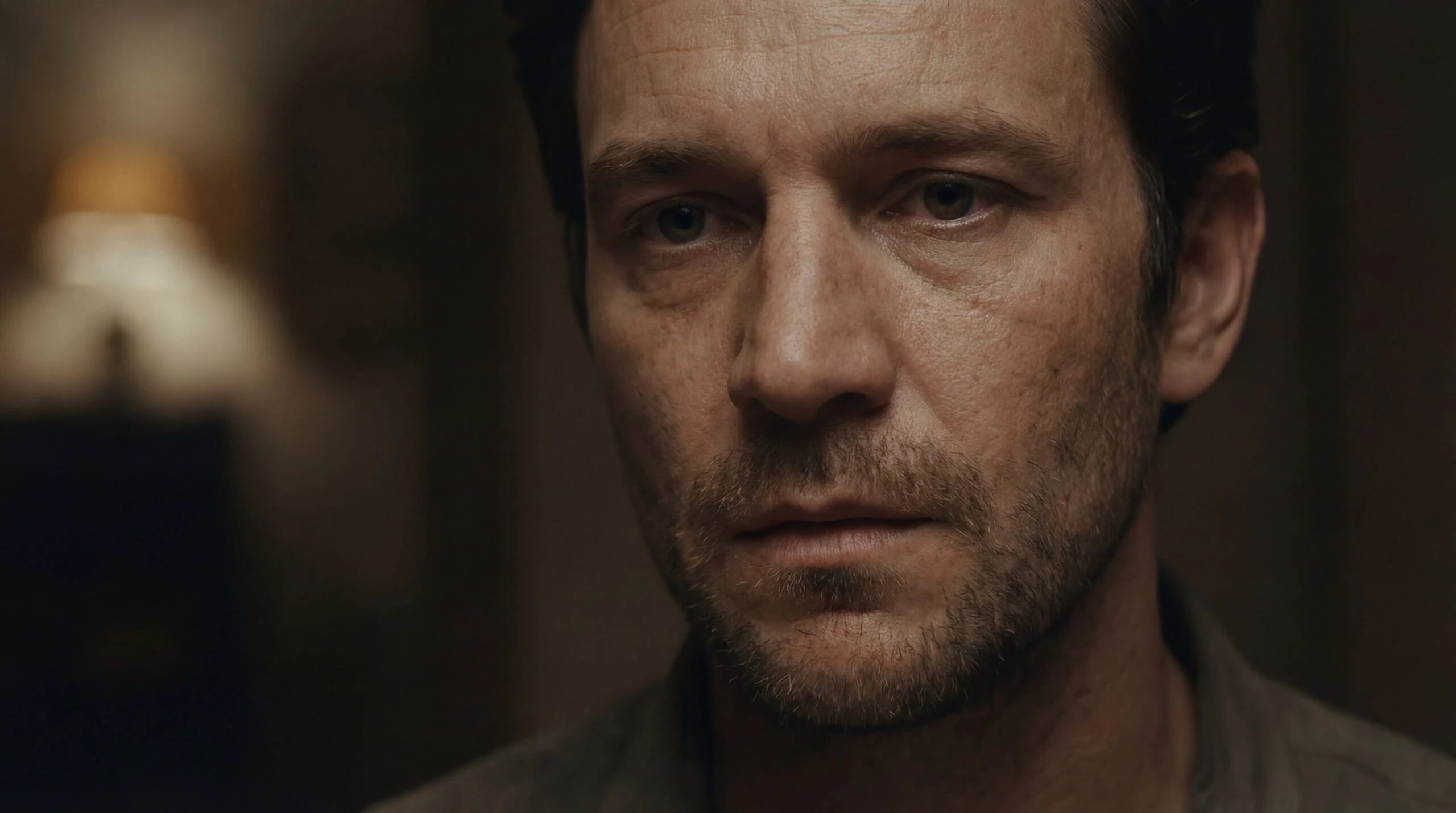
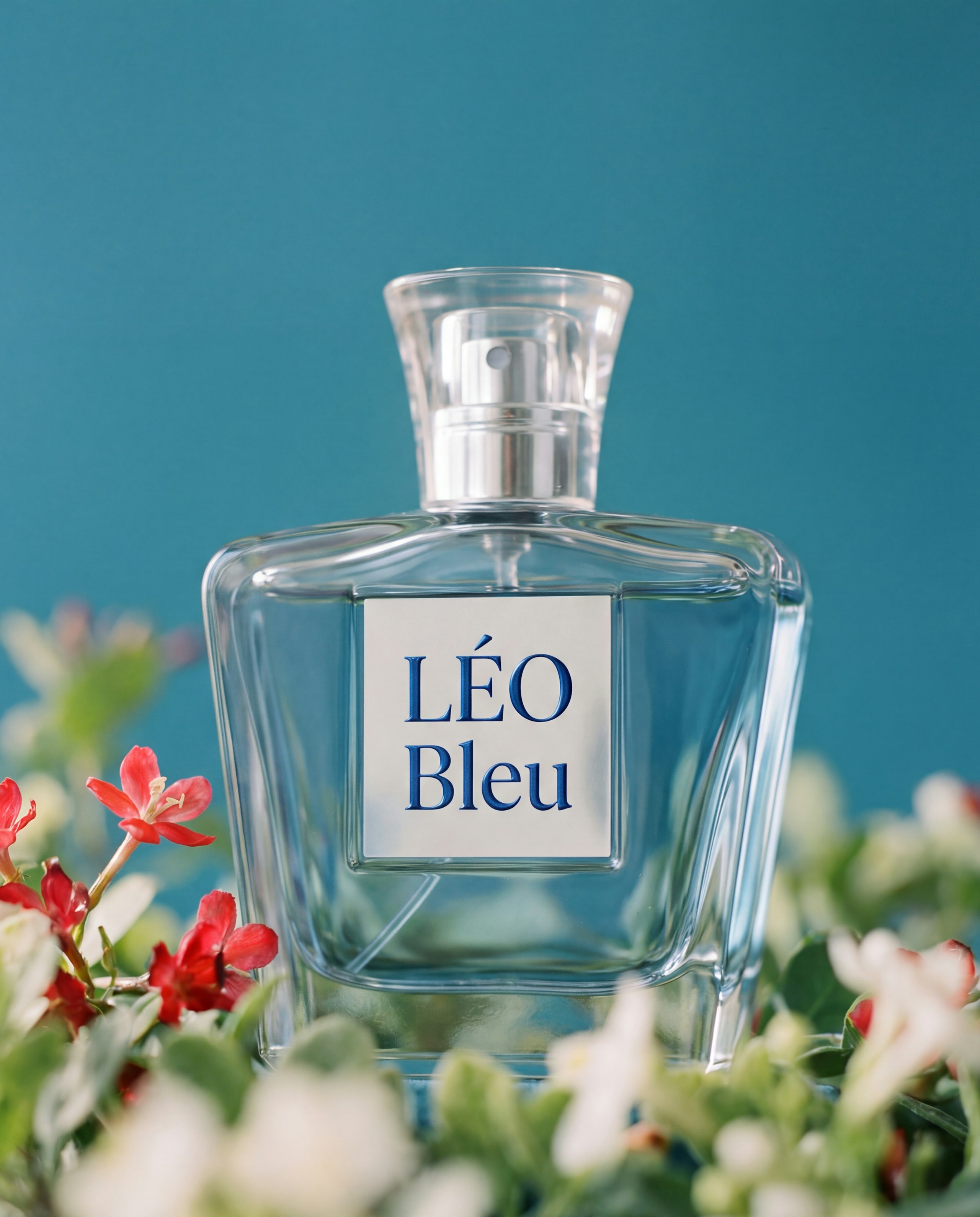
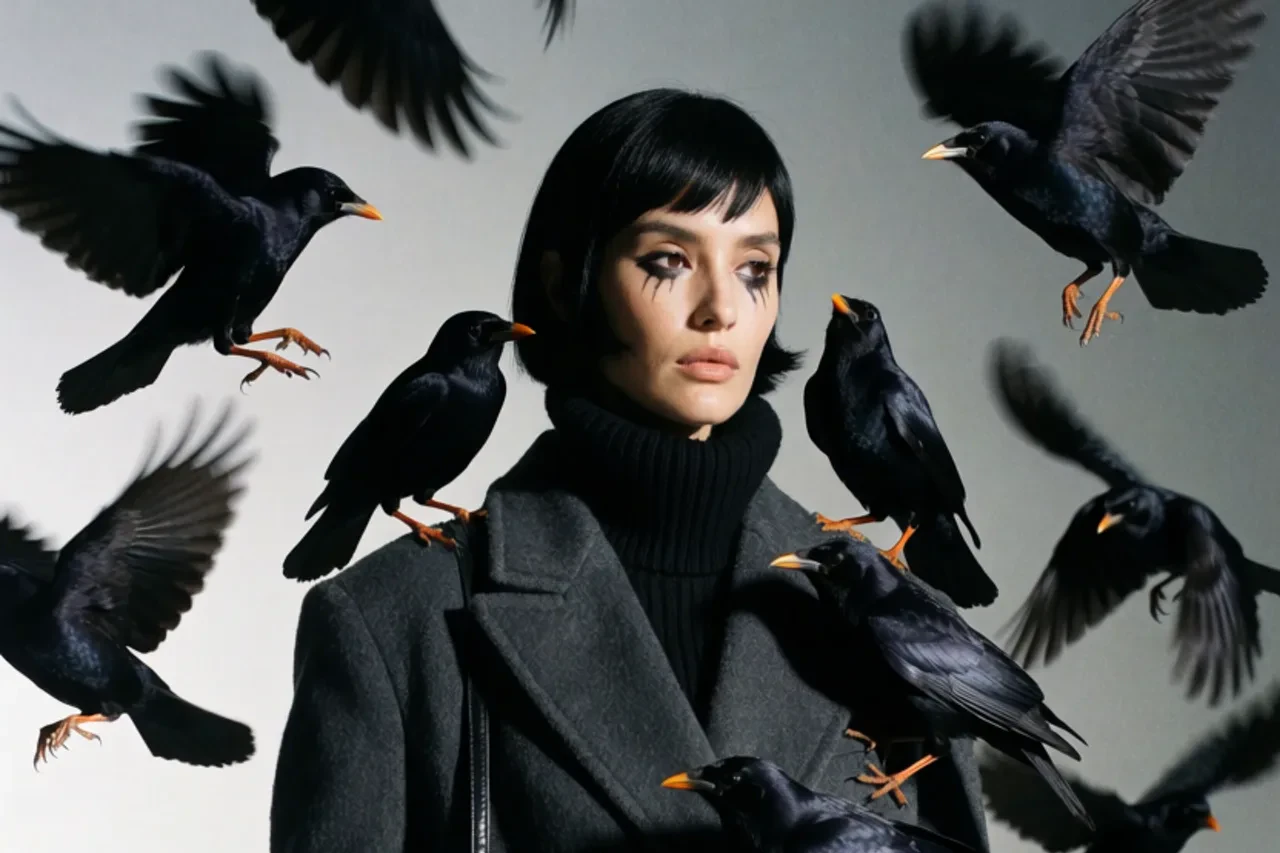
No source footage, no storyboard, no camera. A sentence or two is enough to generate a complete scene.
Direct every detail
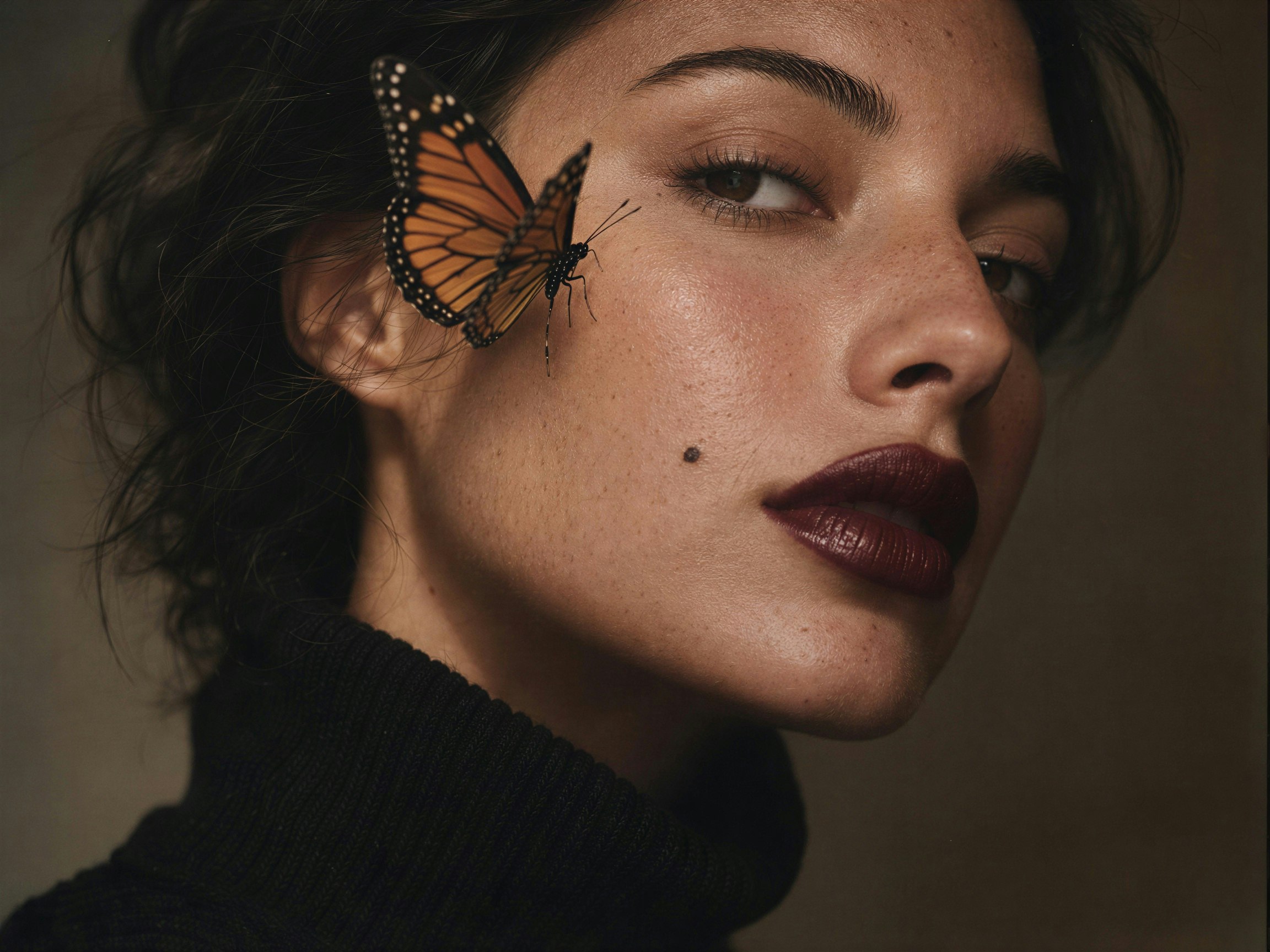
Your prompt controls the subject, motion, camera moves, and mood. The more filmable the detail, the closer the result.

Sound included
Models like Seedance 2.5, MiniMax H3, and FLUX 3 Video generate dialogue, effects, and ambience in sync with the visuals.
Unlimited on Ultimate
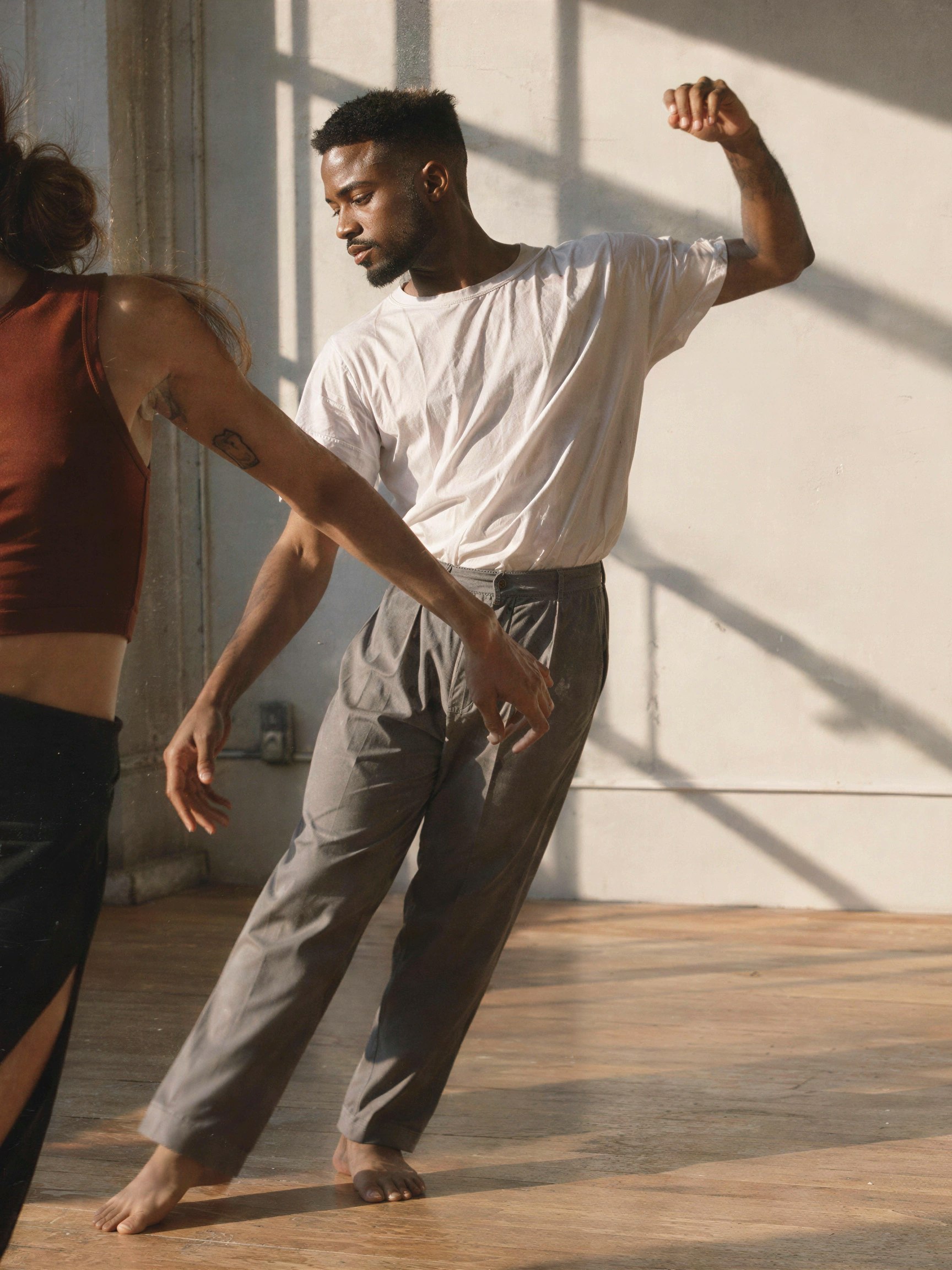
Generate unlimited videos at relaxed rates with select models, including Hailuo 2.3, on the Ultimate plan.
what goes into a great video prompt?
Subject and scene
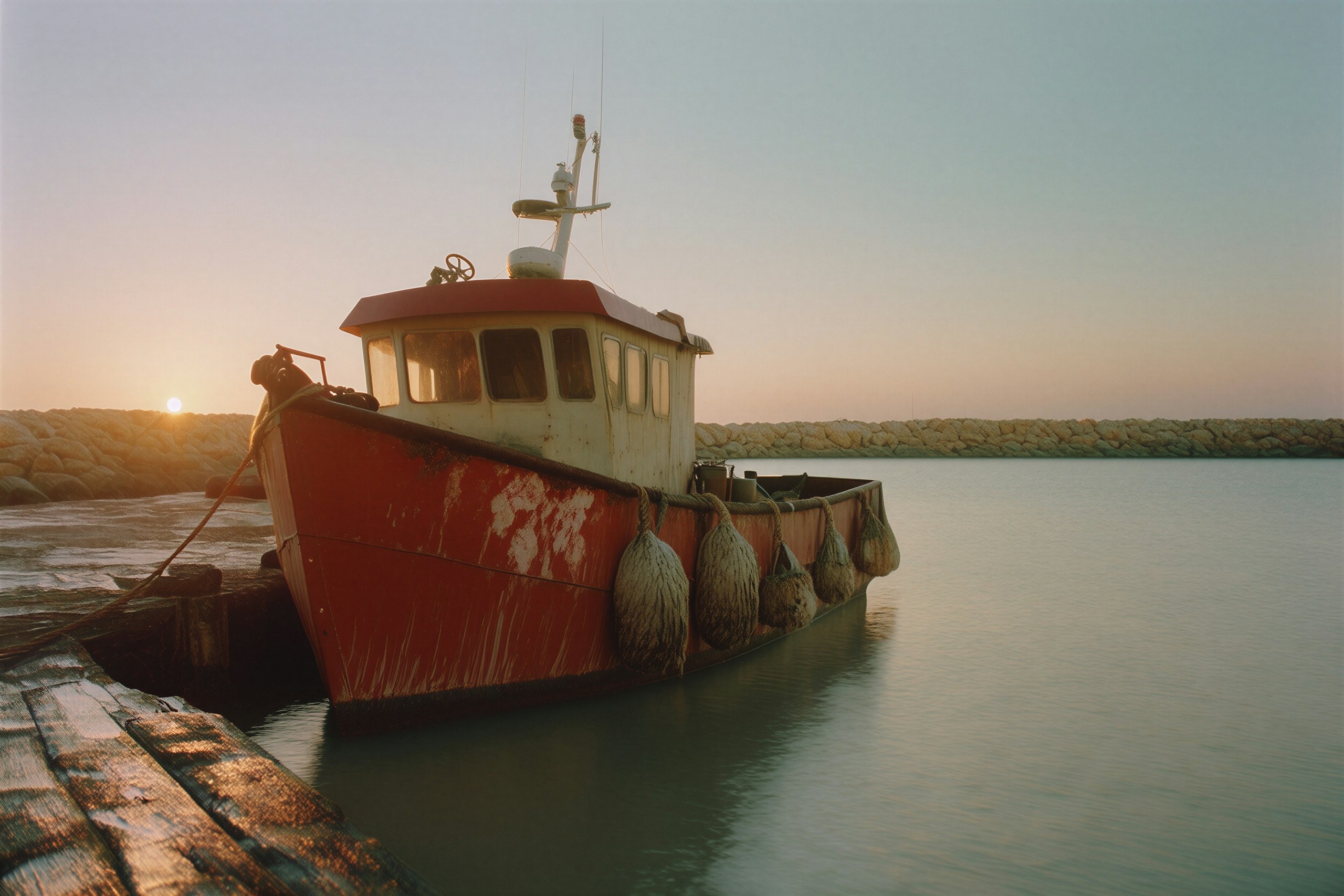
Name who or what is in the frame and where they are. Concrete nouns beat adjectives — “a rust-red fishing boat at dawn” over “a beautiful boat”.

sound cues
On models with native audio, write the sound into the prompt — dialogue, effects, ambience — and it’s generated in sync with the picture.

Seedance 2.5
Frontier quality with native synced audio — plus image, video, and audio references when you want extra control.

Kling 3.0 Turbo
Cinematic motion with native synced audio — clips from 3 to 15 seconds, straight from your prompt.
MiniMax H3
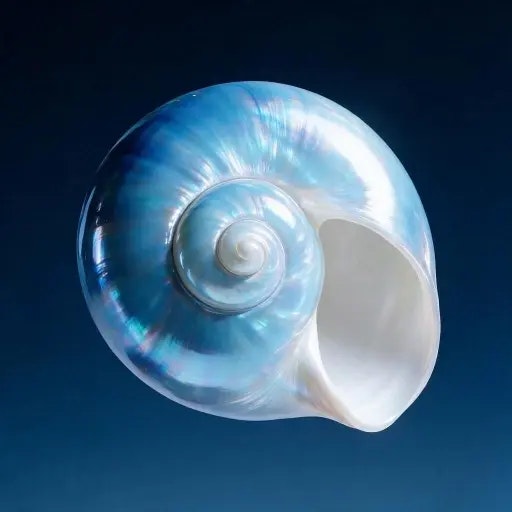
2K video with native audio in one pass — dialogue, effects, and ambience, generated in sync with the picture.
FLUX 3 Video
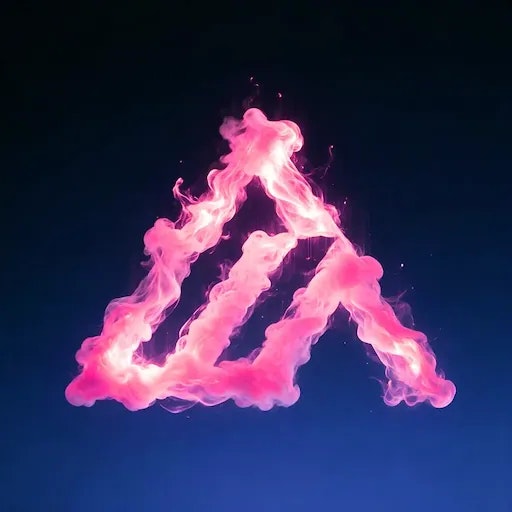
Up to 20 seconds of video with synced audio from a single prompt.
A lone lighthouse on wet black rock at dusk. The beam sweeps once across the water as the camera holds — a foghorn under the crash of one wave.
TexttoVideoGenerationFAQS
Is text to video free on Leonardo.Ai?
Yes — every account gets 150 fast tokens daily, refreshed every day, which is enough to try text-to-video generation for free. Paid plans start from $10/month billed yearly, and the Ultimate plan includes unlimited relaxed-rate video generation with select models, including Hailuo 2.3.
How do I make a video from text?
Open the video generator, type a description of your scene, pick a model, and generate. The clip is ready in minutes — no footage, actors, or editing skills required. If you want the video to build on an existing picture, add it as a Start Frame instead.
What makes a good text-to-video prompt?
Describe a shot, not a keyword list: name the subject and setting, the motion, one clear camera instruction, and the light and mood. On models with native audio, write the sound in too. Concrete, filmable detail beats vague adjectives every time.
Can the generated video include sound?
Yes. Models like Seedance 2.5, Kling 3.0 Turbo, MiniMax H3, and FLUX 3 Video generate synchronized audio — dialogue, effects, and ambience — in the same pass as the visuals. Just describe the sound you want in your prompt.
How long can the videos be?
Clip length depends on the model: Kling 3.0 Turbo generates 3- to 15-second clips, MiniMax H3 runs 5 to 15 seconds, FLUX 3 Video goes up to 20 seconds, and Seedance 2.5 up to 30 seconds in a single run.
What is the difference between text to video and image to video?
Text to video generates the entire clip from your written prompt — the model invents the scene from scratch. Image to video anchors the clip to a picture you supply: your image becomes the Start Frame and the prompt directs the motion. Both live in the same generator, so you can switch between them freely.
Can I use the videos commercially?
Yes — on every plan, videos you generate can be used commercially: client work, ads, and social content included. On paid plans your generations are yours, and you can create in private mode to keep them fully private; on the free plan, creations are public and Leonardo retains ownership, with a royalty-free licence for you to use them commercially. See the Terms of Service for full details.