Keep your cast consistent with Nano Banana 2.1

Nano Banana 2.1 is Google's image model for consistent characters and products, now on Leonardo.Ai. Add your people and your product as image references, up to 14 in all, plus one video. Then put them in new scenes where they still look like themselves. Make up to eight images at once, at up to 4K.

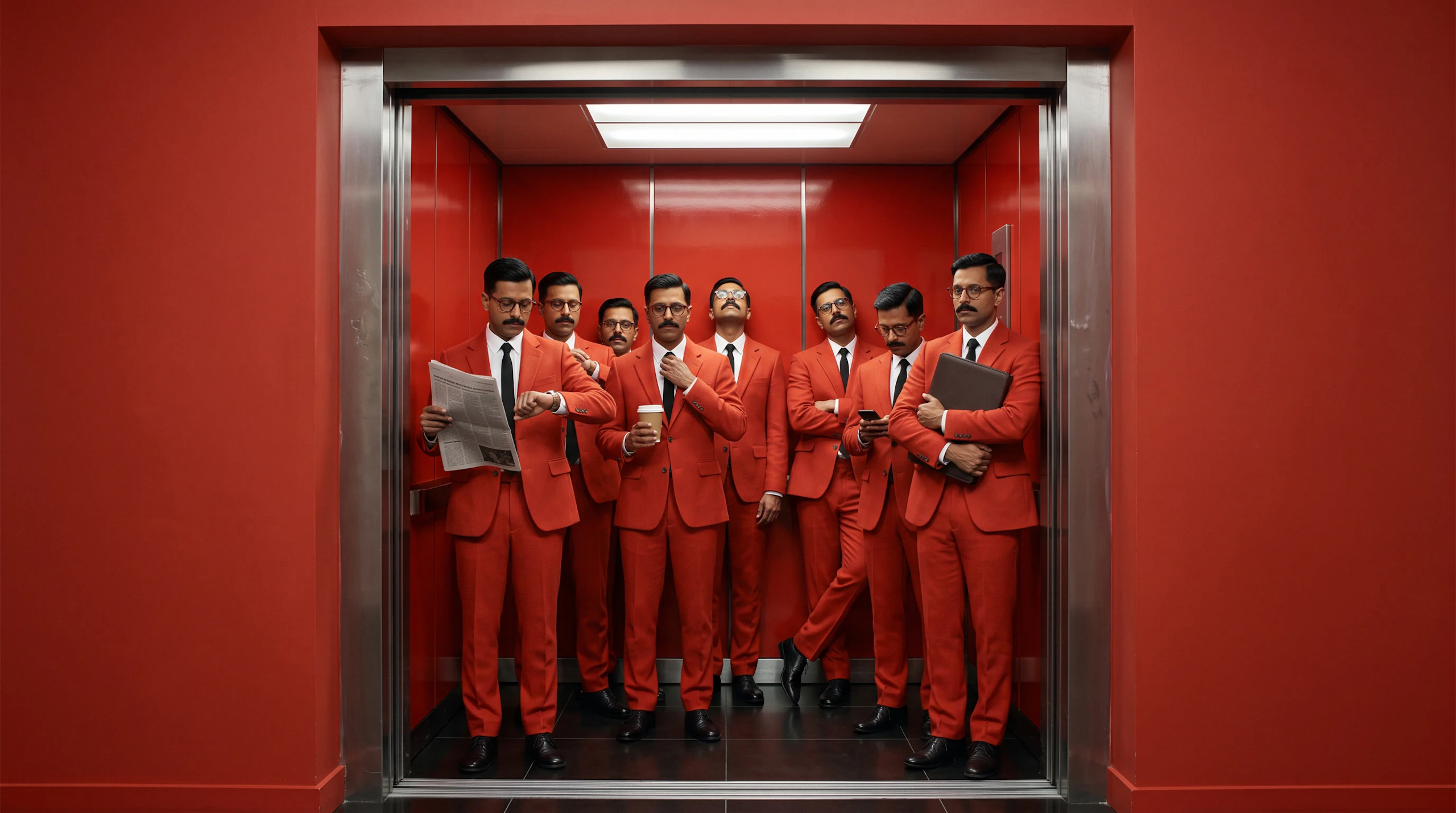
The same man, eight times over, in matching red suits and glasses, packed into a red lift. Made with Nano Banana 2.1.

Bring your whole cast to every scene

Add a portrait of each person as an image reference and say where they go next. Here, five portraits went in, and all five turn up in both scenes: packed into a lift, then lined up at a bakery window. Everyone keeps their own face, hair and clothes.

Reference portraits of the five-person cast: the man in the red suit, a woman with a bleached buzz cut, a woman with a silver bob and yellow glasses, a red-haired man in a white vest and a bald man in an orange jacket.Your cast
All five people from the reference portraits, seen from above in a mustard lift, look up at the camera, each with something different in hand. Made with Nano Banana 2.1.Same cast, new scene
All five people from the reference portraits press their hands to a bakery window, eyeing trays of pink and custard doughnuts. Made with Nano Banana 2.1.Same cast, new scene

Put your product in every shot

Add a photo of your product as an image reference, then place it anywhere you can picture: on a fishmonger's ice, on a street poster, in a scene with your cast. Your product still looks like itself in each new image.

Reference photo of a ZOFFA bottle: cobalt glass, an orange cap and a white label, on a cobalt backdrop.Your product
Orange-gloved hands lift the ZOFFA bottle from a bed of mackerel on crushed ice, beside a Catch of the Day card. Made with Nano Banana 2.1.Same bottle, new shot
A row of blue ZOFFA posters along an orange site hoarding, each showing the bottle and the line Ice cold. Very blue. Made with Nano Banana 2.1.Same bottle, on a poster

Combine up to 14 references in one image

Use up to 14 image references in one generation. This one uses all 14: a cinder block, a teapot, a bowling ball, an egg and ten more everyday things. Say how they fit together, and you get one image that uses every piece.

The 14 reference objects laid out on a yellow grid: a cinder block, a hardback book, a traffic cone, an enamel teapot, a white trainer, half a watermelon, a cassette tape, a rotary telephone, a folded deckchair, a bowling ball, a terracotta pot, a watering can, a jar of lemons and a white egg.14 references in
All 14 reference objects balanced in one tall tower on a yellow floor, a cinder block at the base and a long shadow stretching left. Made with Nano Banana 2.1.One new image

Make a still from your footage

Add a video as a reference and make a new still that matches it: a thumbnail, a poster, or key art for the campaign. One video per generation.

Your video
A pink Low Level gig poster of the man from the video, pasted on a pillar in the same concrete car park. Made with Nano Banana 2.1.Same person, new shot

Nano Banana 2.1

Image references

Up to 14 per generation

Video reference

1 per generation

Images per prompt

Up to 8

Aspect ratios

10: 1:1, 2:3, 3:2, 3:4, 4:3, 4:5, 5:4, 9:16, 16:9 and 21:9

Output sizes

Small, Medium or Large (1K, 2K or 4K)

Largest image

4096 × 4096 at 1:1

Style presets

18, with Dynamic as the default, or none

On the free plan, you make one image at a time with one image reference.

QuestionsaboutNanoBanana2.1FAQS

What is Nano Banana 2.1?

Nano Banana 2.1 is Google's image model for consistent characters and products, available on Leonardo.Ai. You can add up to 14 image references and one video reference, choose from ten aspect ratios, and make images at 1K, 2K or 4K.

How do I start with Nano Banana 2.1?

Open the image generator with Nano Banana 2.1 selected and describe the image you want. Add image or video references if you have them, pick an aspect ratio and a size, and generate.

Does Leonardo have a prompt enhancer for Nano Banana 2.1?

Yes. Prompt Enhance is set to Auto, so a short idea grows into a fuller prompt and a long prompt stays as you wrote it. You can switch it to On or Off, and it turns off when you add an image or video reference.

How much does Nano Banana 2.1 cost on Leonardo?

Nano Banana 2.1 token cost depends on the image size you pick (1K, 2K or 4K) and how many images you make. The exact cost for your chosen settings is shown in the generation panel before you generate.

Can I use Nano Banana 2.1 on the free plan?

Yes. On the free plan you make one image at a time with one image reference, and your images are public. Paid plans let you make up to 8 images at once with up to 14 image references, and keep them private.

What does the video reference do in Nano Banana 2.1?

It gives Nano Banana 2.1 one video to draw from. You get a new still image, such as a thumbnail or a poster, not an edited video.

Can I use Nano Banana 2.1 through the Leonardo API?

Yes. Nano Banana 2.1 is available in the Leonardo.Ai API.

How is Nano Banana 2.1 different from Nano Banana 2?

On Leonardo, Nano Banana 2.1 takes up to 14 image references, where Nano Banana 2 takes 6. Both accept one video reference, and Nano Banana 2 stays in the model picker.

Should I use Nano Banana 2.1 or Nano Banana Pro?

Both take up to 14 image references. Pick Nano Banana 2.1 when you also want to add a video reference, which Nano Banana Pro doesn't take.

Can Nano Banana 2.1 make panoramic images like 8:1 or 1:8?

On Leonardo, Nano Banana 2.1 goes as wide as 21:9 and as tall as 9:16, across ten aspect ratios: 1:1, 2:3, 3:2, 3:4, 4:3, 4:5, 5:4, 9:16, 16:9 and 21:9. The 8:1 and 1:8 panoramic ratios aren't available here.
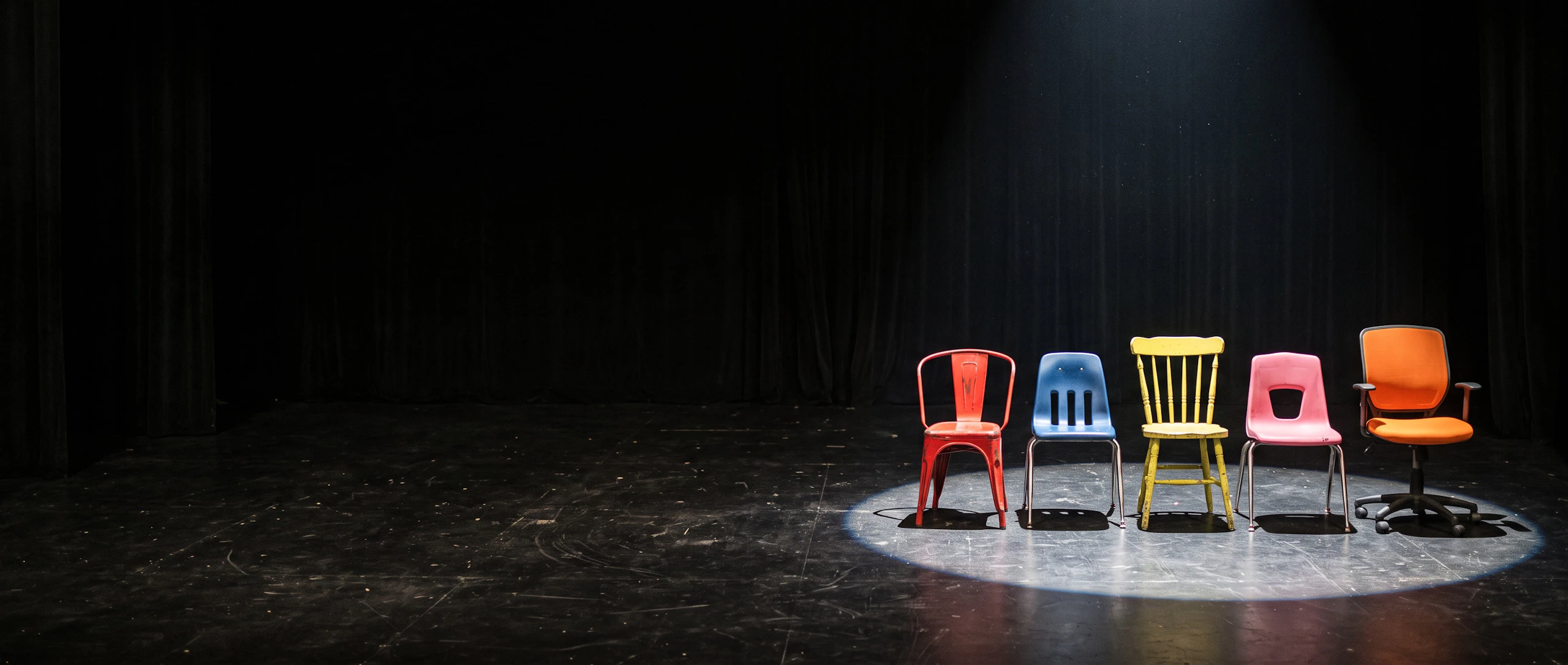

Five mismatched chairs in red, blue, yellow, pink and orange wait in one spotlight on a dark stage. Made with Nano Banana 2.1.

Bring your cast to its next scene

Nano Banana 2.1 is ready in the image generator, with your references a click away.