

FLUX 3 Image is now on Leonardo.Ai
Make 4K images, frame them wide at 21:9 and edit with image references.
 FLUX 3 ImageGenerate
 Full image
 Zoomed in
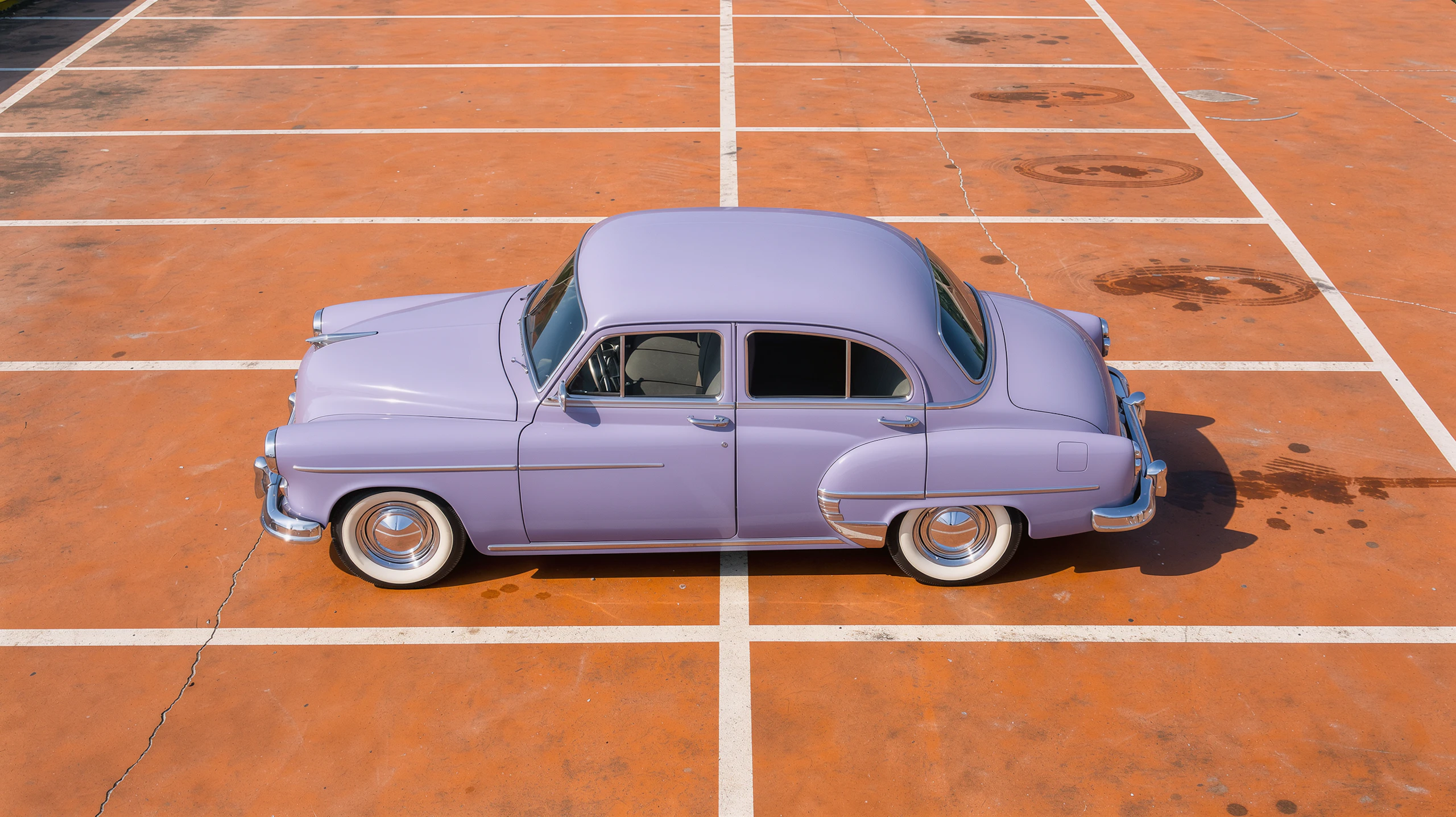
 21:9 at 6256 × 2688

Mid-dive above a giant cobalt teacup, a tiny swimmer in a striped costume spreads his arms toward the smooth tea, a sugar cube on the saucer beside the cup. Two-colour risograph print in fluorescent pink and cobalt blue on cream paper, with visible grain, halftone dots and slightly misregistered layers.

Fat orange cat curled up asleep inside the open drum of the middle washing machine, socks piled around it. The plasticine laundrette around it is lemon yellow, with three tomato-red machines, one glowing ceiling lamp, thumbprints in the clay, a dark blue night in the window and a lost sock on the floor.

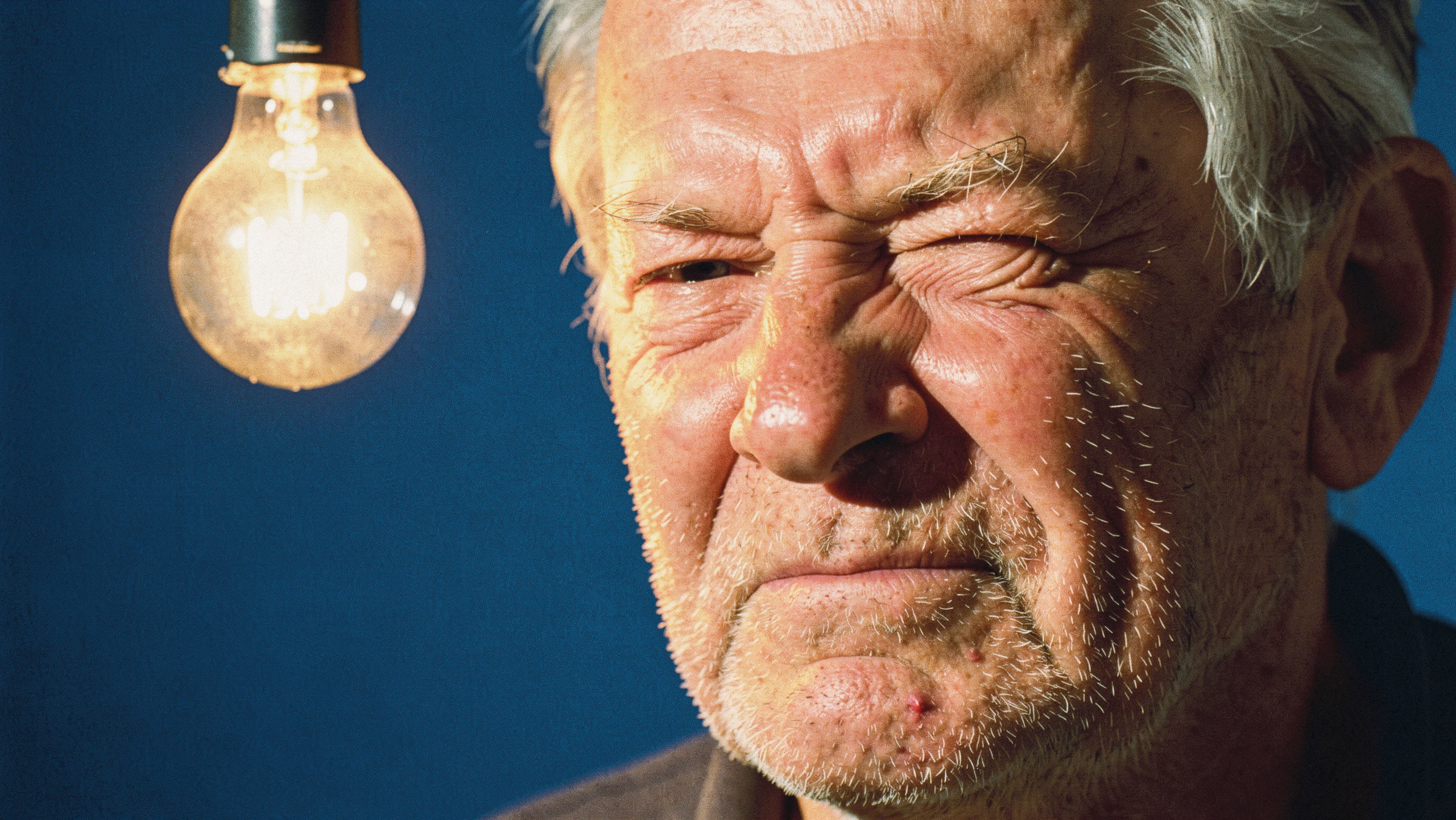
Shot on Kodak Portra 400 with hard on-camera flash from straight ahead, a man in a violet suit eats noodles from a white carton with chopsticks, alone among rows of violet plastic seats that match his suit. Only the front rows catch the light; the empty stands behind him sink into black.
| Input | Text and images |
|---|---|
| Image references | Up to 10 |
| Aspect ratios | 21:9, 2:1, 16:9, 3:2, 7:5, 4:3, 5:4, 1:1, 4:5, 3:4, 5:7, 2:3, 9:16, 1:2, 9:21 |
| Maximum resolutionSizes: Small (default), Medium and Large (4K) | 4096 × 4096 at 1:1, 6256 × 2688 at 21:9Sizes: Small (default), Medium and Large (4K) |
| Quality | Not adjustable |
| Images per generation | 1 to 8 |
| Transparent background | Not supported |
| Prompt length | Up to 9,999 characters |
On Leonardo.Ai, you can make or edit images at up to 4K with FLUX 3 Image, Black Forest Labs' image model, from a prompt and up to 10 image references.
Pick Small, Medium or Large in any of 15 aspect ratios, from 9:21 to 21:9. Small is the default. Large is 4K: 4096 × 4096 at 1:1, 5456 × 3072 at 16:9 and 6256 × 2688 at 21:9.
You can add up to 10 image references to each generation. Use them to edit an image or combine subjects, still at up to 4K.
Yes. Add it as an image reference, then say what to change and what to keep.
The token cost depends on the image size and how many images you make, and image references don't add to it. The generation panel shows the exact cost before you generate.
No, they're separate models. On Leonardo.Ai, use FLUX 3 Image to make and edit images at up to 4K, and find FLUX 3 Video with the other video models.

