Seedream 5.0 Pro: direct every detail of your shot

With Seedream 5.0 Pro on Leonardo.Ai, you make an image from your image references and a prompt, then change one detail and keep the rest.

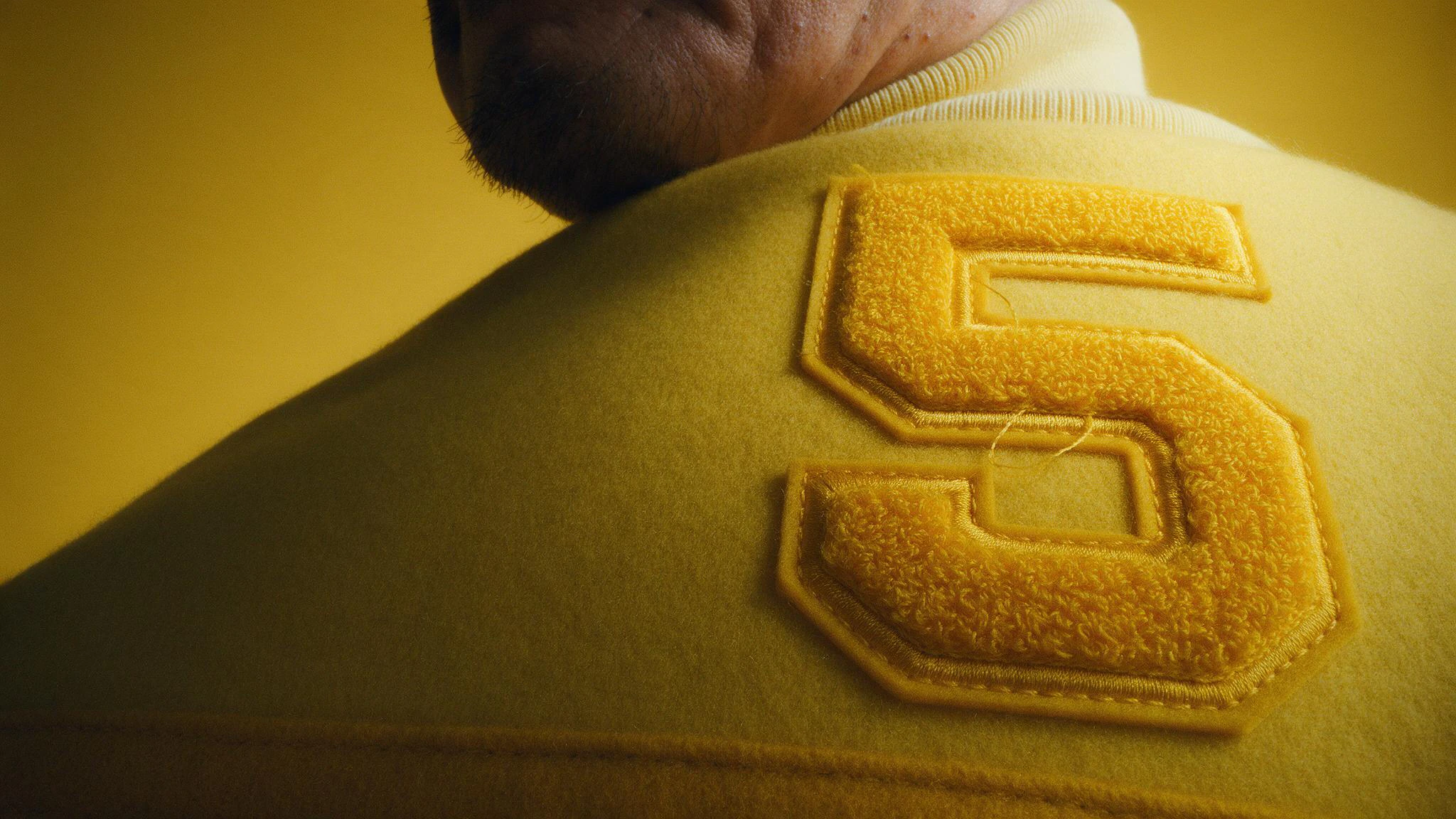
A macro of a yellow chenille number 5 on the chest of a yellow wool varsity jacket, the wearer's stubbled jaw along the top edge, on a yellow paper backdrop. Made with Seedream 5.0 Pro.
ByteDance logoSeedream 5.0 ProGenerate

Start from your image references

Add up to 10 image references, then say how they meet: this chair, in this corduroy, under hard flash.

A bentwood chair with a curved beech back and a cane seat on a gray paper backdrop.Reference: the chair
A folded swatch of rust-brown wide-wale corduroy on an oak board in low sun.Reference: the fabric
The bentwood chair with its seat and back covered in the rust corduroy, under hard flash against a gray plaster wall. Made with Seedream 5.0 Pro.The chair, in that corduroy

Set your words in the image

Write each word in quotation marks and say what it is made of: tennis balls on a floor, or gold foil in three scripts.

The word PLAY built from stacked chartreuse tennis balls on a black floor, with long shadows from a low light. Made with Seedream 5.0 Pro.One word, built by hand
A violet velvet ring box stamped in gold with IRIS, アイリス and سوسن, striped by light through a blind, on a violet backdrop. Made with Seedream 5.0 Pro.Three scripts, one lid

Change one detail with Annotate

Draw a loop on your image where the change goes, say what goes there, and keep the rest of the shot.

A jade plant in a pink glazed pot on a cream backdrop, its leaves casting a long shadow in low sun. Made with Seedream 5.0 Pro.Your image
The same jade plant, with a red loop drawn on the empty cream space to its right.Your mark
The same jade plant, now with a jade cutting in a small glass of water on its right, in the same low sun. Made with Seedream 5.0 Pro.A cutting, added

Choose Fast or Quality

Try ideas in Fast, make the final image in Quality, and set a seed to make a result again. Here, the same prompt and seed in Fast and in Quality.

A plum upside-down cake topped with fanned plum slices on a stoneware stand, its long shadow falling left across a cream backdrop. Made with Seedream 5.0 Pro in Fast.Fast
A plum upside-down cake on a tall ribbed stoneware stand, seen from low, its long shadow falling left across a cream backdrop. Made with Seedream 5.0 Pro in Quality.Quality
Specs

Seedream 5.0 Pro specs

Seedream 5.0 Pro specs
InputText and images
Image referencesUp to 10
Aspect ratios2.4:1, 21:9, 2:1, 1.85:1, 16:9, 3:2, 4:3, 5:4, 6:5, 1:1, 5:6, 4:5, 3:4, 2:3, 9:16, 1:2
Maximum resolutionSizes: Small, Medium and Large.2048 × 2048 at 1:1Sizes: Small, Medium and Large.
QualityFast, Quality
Images per generation1 to 6
Transparent backgroundNot supported
Prompt lengthUp to 9,999 characters

QuestionsaboutSeedream5.0ProFAQS

What is Seedream 5.0 Pro?

On Leonardo.Ai, you use Seedream 5.0 Pro, ByteDance's image model, to make up to 6 images at a time from a prompt and up to 10 image references, with the words you write set in the image.

Can I edit an image with Seedream 5.0 Pro?

Yes. Open your image on Leonardo.Ai, mark the area to change with Annotate, and say what goes there.

How much does Seedream 5.0 Pro cost on Leonardo?

Seedream 5.0 Pro's token cost depends on the image size and how many images you make, with the largest sizes costing more. The generation panel shows the exact cost before you generate.

Can I use Seedream 5.0 Pro in the Leonardo API?

Yes. You can call Seedream 5.0 Pro from the Leonardo.Ai API. The Seedream 5.0 Pro API guide lists the request fields.

What's the difference between Seedream 5.0 Pro and Seedream 5.0 Flash?

On Leonardo.Ai, Seedream 5.0 Pro lets you choose Fast or Quality and set a fixed seed. Seedream 5.0 Flash is a separate model that you pick in the generator.

How is Seedream 5.0 Pro different from Seedream 4.5?

With Seedream 5.0 Pro on Leonardo.Ai, you can mark changes on an image with Annotate, add up to 10 image references, and choose Fast or Quality.
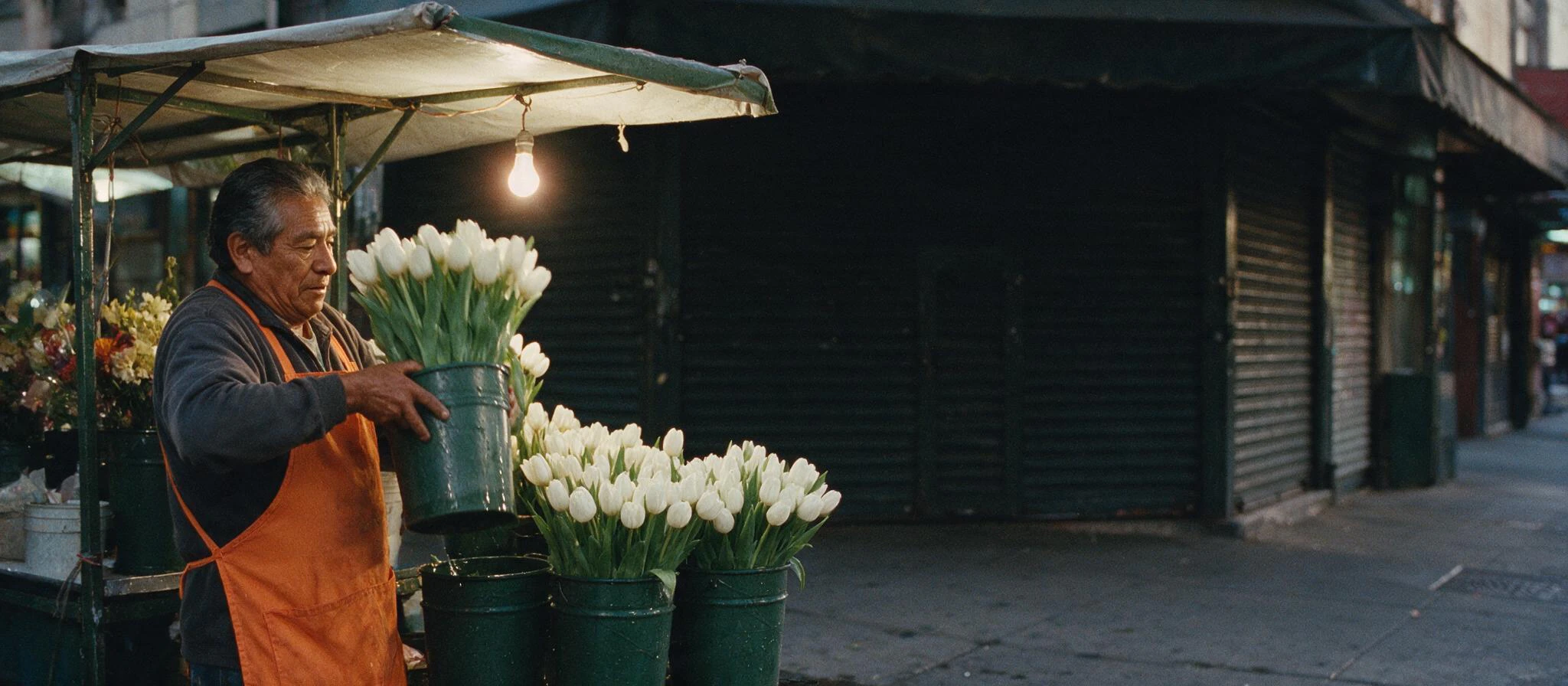

At dusk, an older man in an orange apron lifts a bucket of white tulips at his flower stall under one bare bulb. Made with Seedream 5.0 Pro.

Make your first Seedream 5.0 Pro image

Bring your image references and a prompt, then direct the shot.