MAI Image 2.7 is now on Leonardo.Ai
Releases | Published on
1 min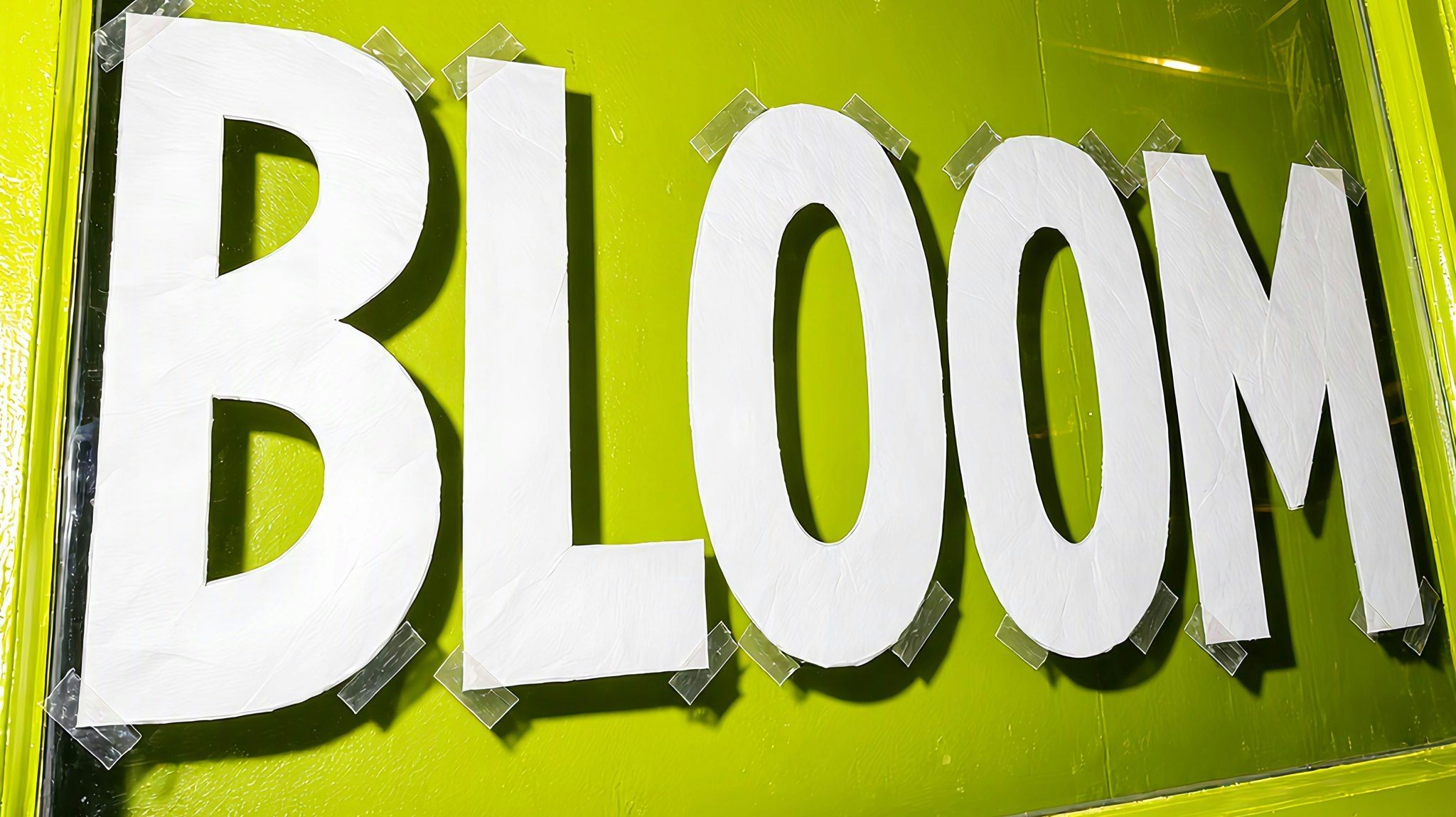
MAI Image 2.7 from Microsoft is now on Leonardo.Ai. Use it to change one thing in an image and keep the rest, edit after edit.
Change one thing, keep the rest
Add your image as an image reference and say what to change: a colour, a material, the words on a sign. Then edit the result again, and the scene holds.
Make cut-outs with Transparency
Turn on Transparency to get a PNG with no background for a product, a logo or an icon. Leave the background out of your prompt.
What you get with MAI Image 2.7
- Up to 5 image references in one generation
- Up to 8 images at once
- Eight aspect ratios, from 21:9 to 9:16
- Square images up to 2048 × 2048, or a custom size up to 4.2 megapixels, such as 5456 × 768
- Transparent PNGs
See the specs and more ways to use MAI Image 2.7.

RelatedArticles
Recraft V4.1 is now on Leonardo.Ai
Make images in the colors you pick with Recraft V4.1: set up to 5 colors and a background color.
GPT Image 2.6 is now on Leonardo.Ai
Refine one image, edit by edit, with GPT Image 2.6 Flare and Sunburst and up to 16 image references.
Nano Banana 2.1 is now on Leonardo.Ai
Keep characters and products consistent with up to 14 image references and one video reference, at up to 4K.
FLUX 3 Image is now on Leonardo.Ai
Make 4K images in FLUX 3 Image, with detail that holds when you zoom in.