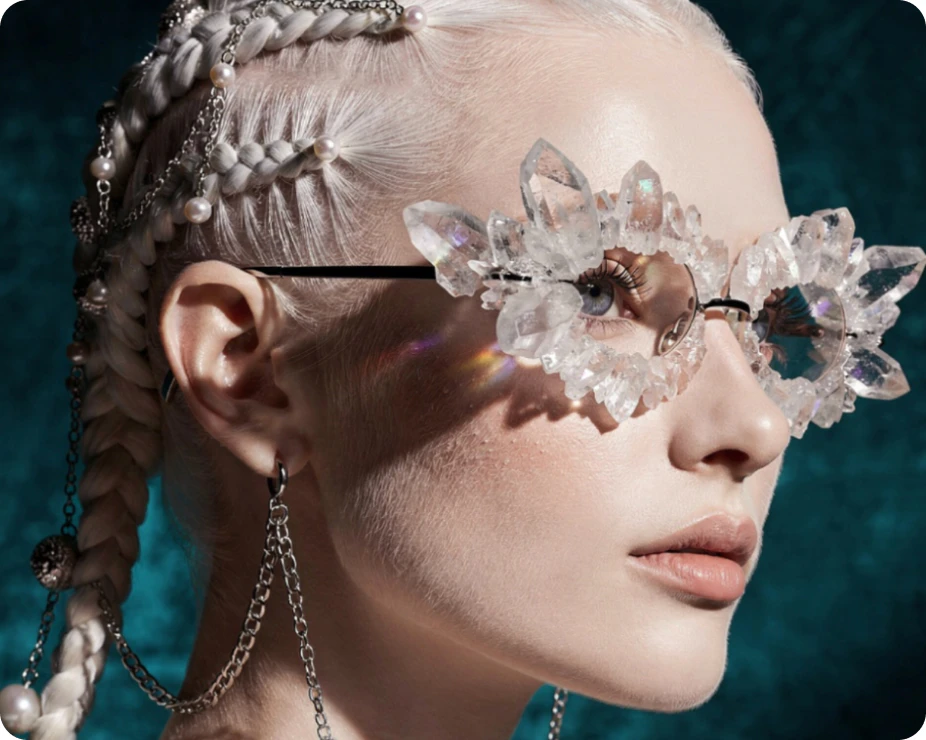
GPT Image 2.6 is now on Leonardo.Ai
Releases | Published on
1 min
GPT Image 2.6 is on Leonardo.Ai in two versions, GPT Image 2.6 Flare and GPT Image 2.6 Sunburst, so you can refine one image, edit by edit. Mark a change with Annotate, or add the last result as an image reference and keep going.
Mark the change with Annotate
Open your image, choose Annotate and draw on the part you want to change. Then say in your prompt what the marks mean, such as "put a lid on this cup".
Build on each result
Add the last result as an image reference and describe the next change. Name what should stay the same in each prompt, such as the character's face, the product or the logo.
What you get
- Two versions, GPT Image 2.6 Flare and GPT Image 2.6 Sunburst, with the same controls and the same cost
- Up to 16 image references in one generation
- Up to 8 images at once
- Five quality levels, from Low to Max
- 10 aspect ratios, from 21:9 to 9:16
- Transparent PNGs
Flare or Sunburst
Choose Flare for fast rounds of edits. Choose Sunburst for detailed visual work.
See the specs and more ways to use GPT Image 2.6.
RelatedArticles
Nano Banana 2.1 is now on Leonardo.Ai
Keep characters and products consistent with up to 14 image references and one video reference, at up to 4K.
FLUX 3 Image is now on Leonardo.Ai
Make 4K images in FLUX 3 Image, with detail that holds when you zoom in.
GPT Image 2.5 is now on Leonardo.Ai
Edit only what you ask with GPT Image 2.5 Flare and Sunburst, with up to 16 image references.