Elements for consistent AI
aesthetics, every time

Maintain creative consistency across every project by training Elements, Leonardo’s implementation of LoRA (Low-Rank Adaptation) on your own images. Lock in characters, styles, or products so your visuals stay aligned across generations.

Turn decisions into a system

Creative consistency doesn’t happen by accident. Elements let you capture a look, subject, or style, then reuse it with confidence across every generation. Once trained, your Element becomes a reference point you can return to, refine, and build on.

Train an Element on a face, style, or subject

Upload a curated set of images to train an Element using LoRA-based techniques. Each Element learns the visual patterns that define your style, subject, or product, and is trained for stable performance and high-fidelity results using Leonardo’s Flux Dev base model. This isn’t about presets. It’s about locking in creative intent.

Repeat the right
decisions

When you apply an Element, Leonardo uses your trained LoRA to guide lighting, tone, structure, and detail, keeping outputs coherent across prompts and projects. Select your Element during generation to maintain alignment without starting from scratch.

Ideal for creators and teams who need:

Repeatable
characters
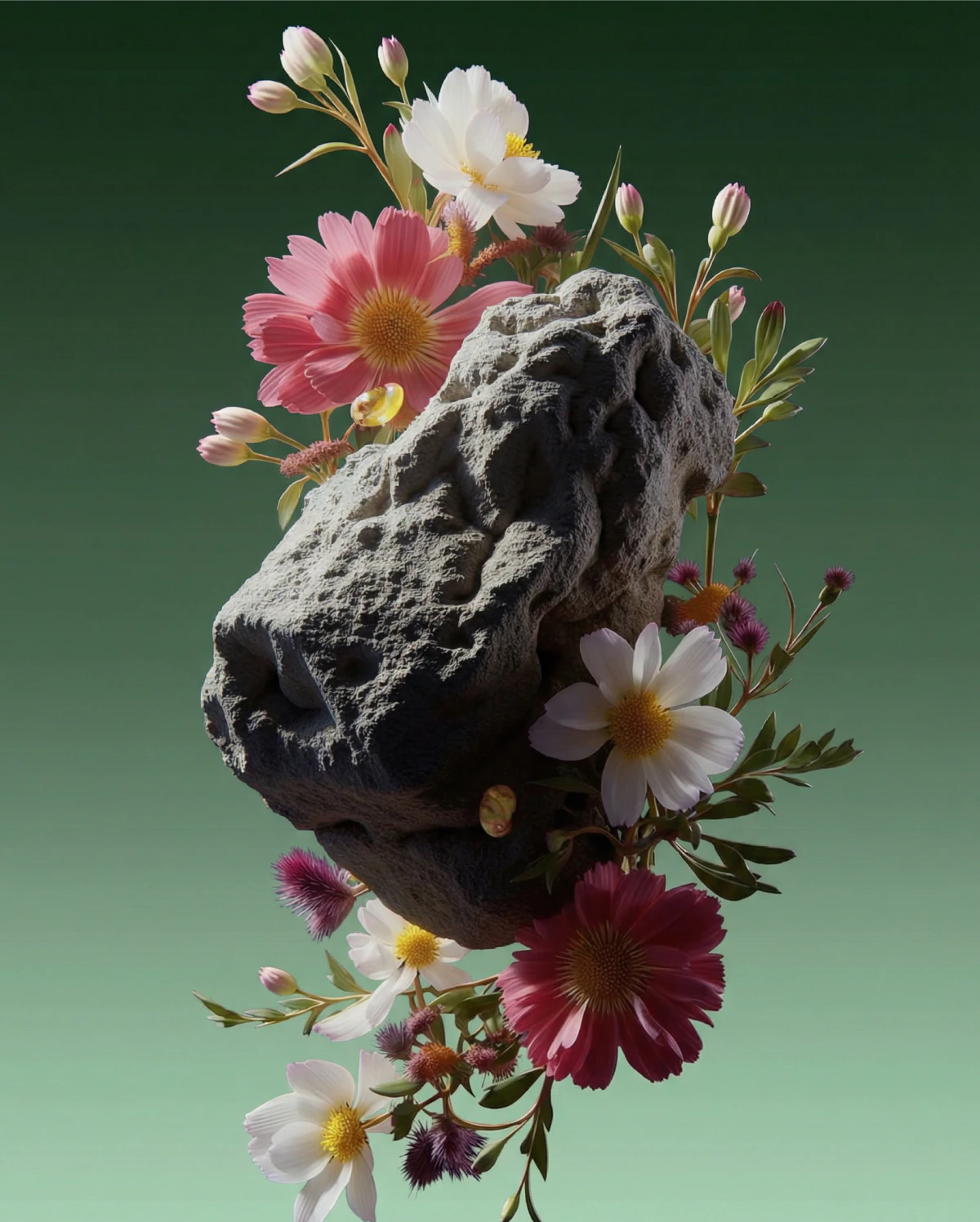
Repeatable
characters

Consistent brand
visuals
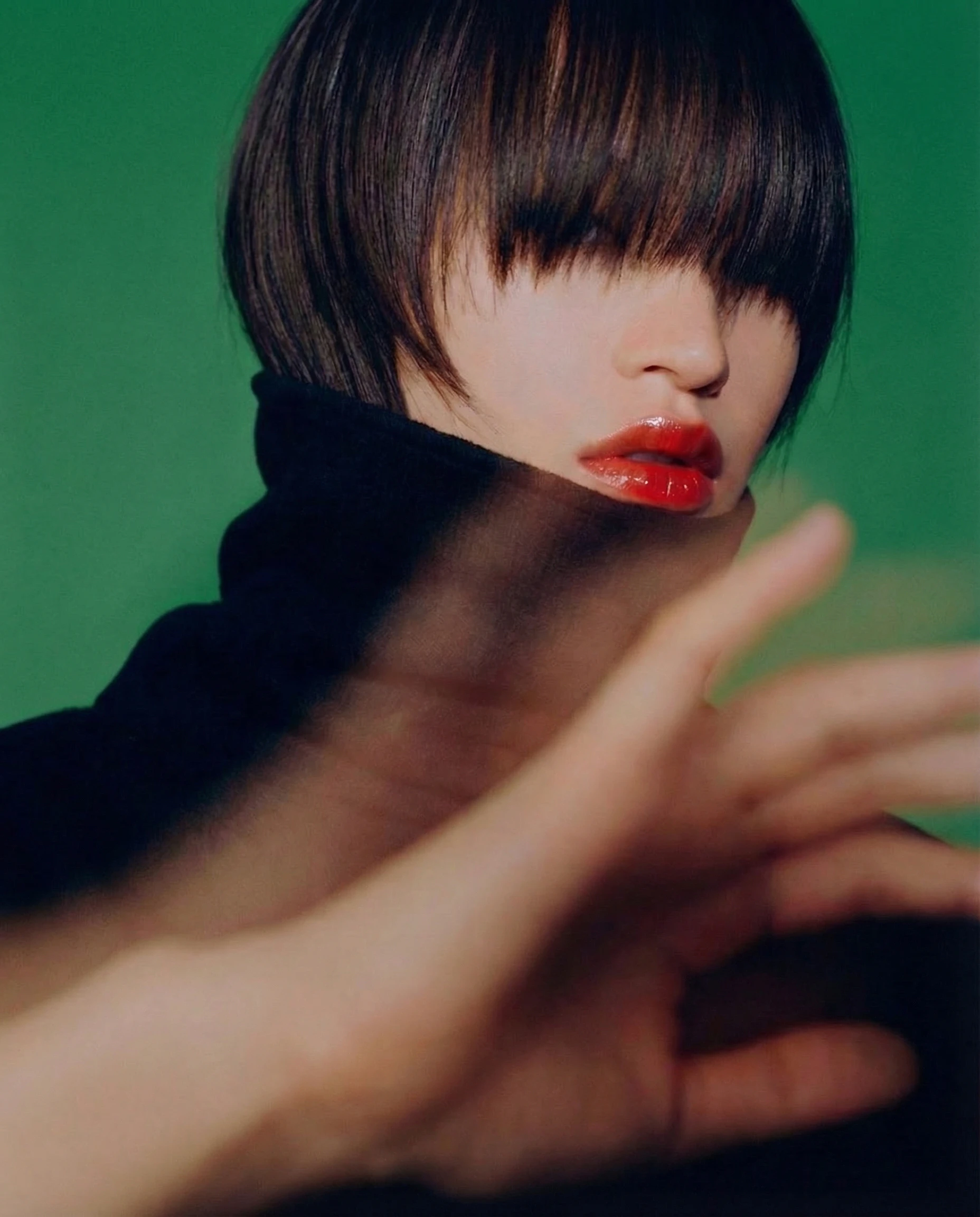
Consistent brand
visuals

Reliable outputs across
multiple briefs

Reliable outputs across
multiple briefs
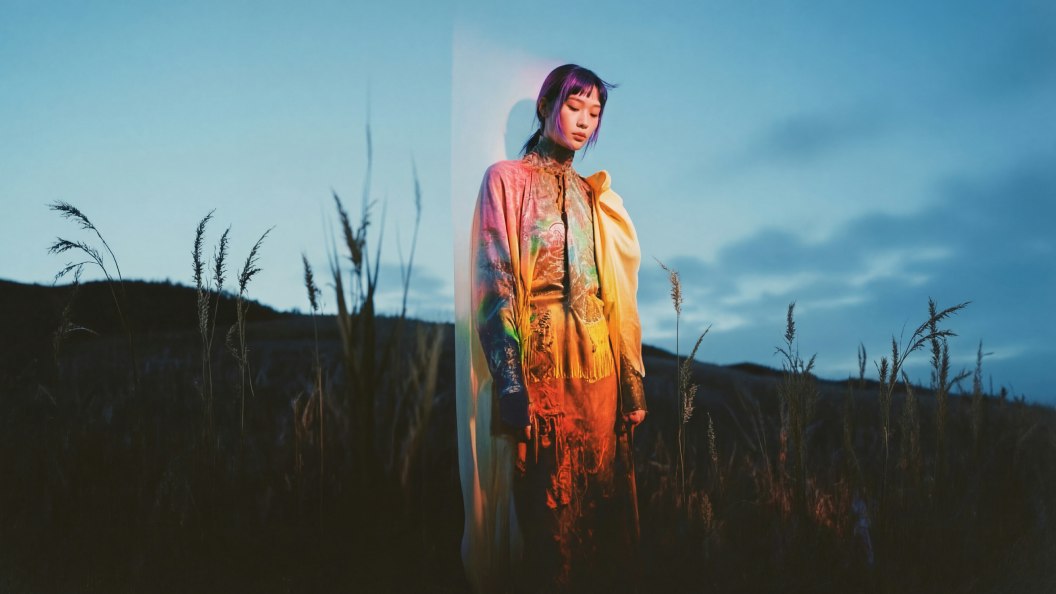
Built for teams and real-world workflows

Elements aren’t just for individual experimentation. Share Elements across your team to maintain continuity across campaigns, clients, and deliverables. Whether you’re collaborating in-studio or across time zones, Elements help ensure every output feels cohesive and considered.

Why creators
use Elements

video poster background

Control, not guesswork

Fix the look once, reuse it with intent.

video poster background

Faster
iteration

Spend time refining ideas, not rebuilding styles.
video poster background

Scalable
consistency

Maintain quality across large volumes of content.

Elements(LoRA)FAQS

What is a LoRA in AI image generation?

A LoRA (Low-Rank Adaptation) is a lightweight method for training a custom AI model on a small image set to reproduce a specific style or subject.

What is the difference between Elements and LoRAs?

Elements are Leonardo’s implementation of LoRA training, the same underlying capability, wrapped in a creator-friendly workflow.

How many images do you need to train a LoRA?

Most Elements can be trained with a small set of high-quality images. The exact number depends on the complexity of the subject or style.

What type of images work best for LoRA training?

Clear, well-lit images with consistent framing and minimal visual noise produce the best results.

How long does it take to train a LoRA in Leonardo?

Training time varies, but most Elements are ready in minutes rather than hours.

What is the best LoRA for realistic images?

For photorealistic results, training an Element on high-quality, consistent source images delivers the most accurate outcomes.

Is LoRA training suitable for beginners?

Yes. Leonardo’s Elements workflow is designed to make LoRA training accessible, even if you’ve never trained a custom model before.

Can I train a LoRA for free?

Free users can explore Elements, with paid plans unlocking higher limits and advanced features.

Make AI work your way

Train once. Refine as needed. Create with confidence using Elements ‑ Leonardo’s
LoRA-based system for consistent AI image generation.