Sync or async, your choice
One call for a single image, or async with webhook callbacks for batches and pipelines. Both APIs accept base64 input, file upload or an image URL

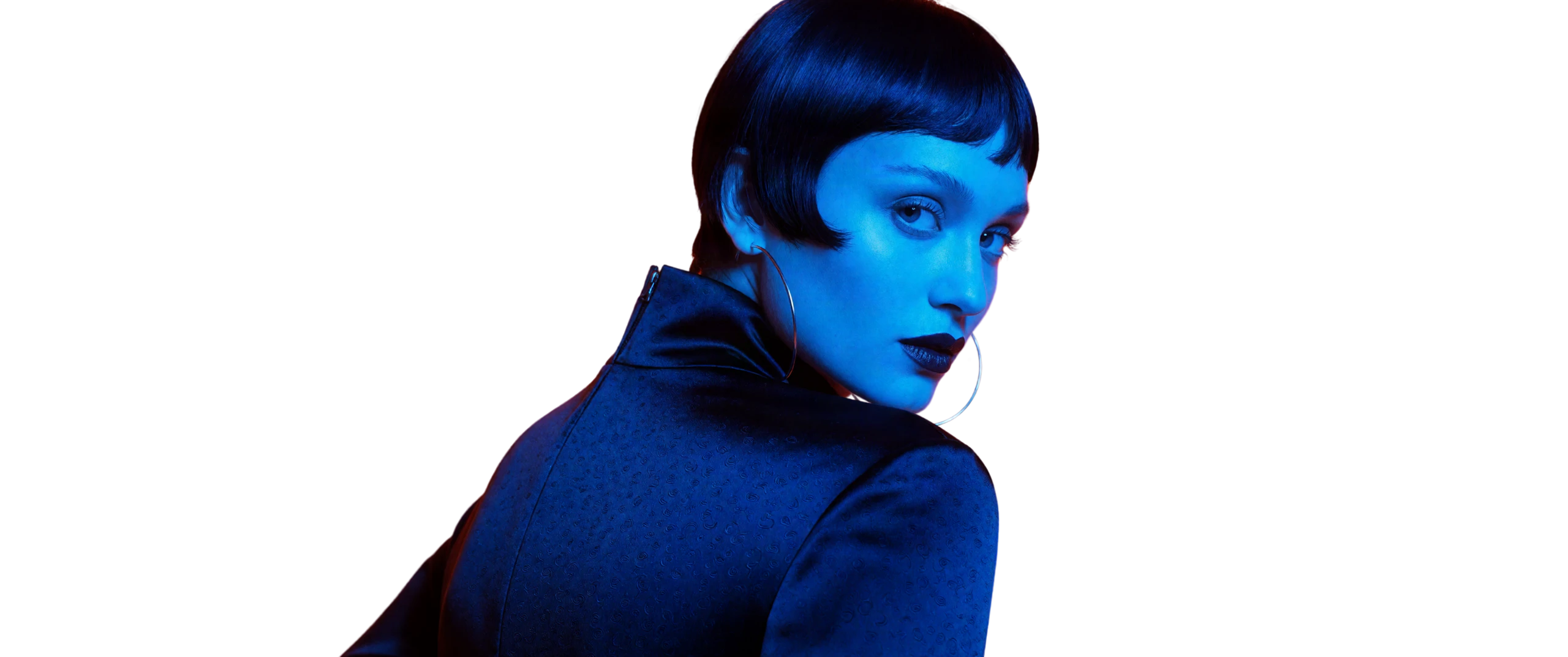
Remove backgrounds from your generated images in seconds, creating transparent PNG outputs ready for further editing or export.

Remove backgrounds directly within Leonardo’s image generation environment, without switching tools or re-uploading files.

Input
Use base64 for images up to ~7.5 MB, or a URL or uploaded file for any size up to 25 MB.

Subject detection
Auto-detects people, products, cars, animals, and more.

Flexible format and resolution
PNG, JPG, or WebP - from quick preview up to full 50MP outputs.

Background
Transparent, solid color, or your own image.

Extra controls
Shadows, cropping, semi-transparency, alpha-only output.
Sync or async, your choice
One call for a single image, or async with webhook callbacks for batches and pipelines. Both APIs accept base64 input, file upload or an image URL

Chain it into one call
Combine steps like remove background, place in scene, and upscale into one reusable workflow (called a Blueprint), then trigger them all with a single request.
Generate new scenes
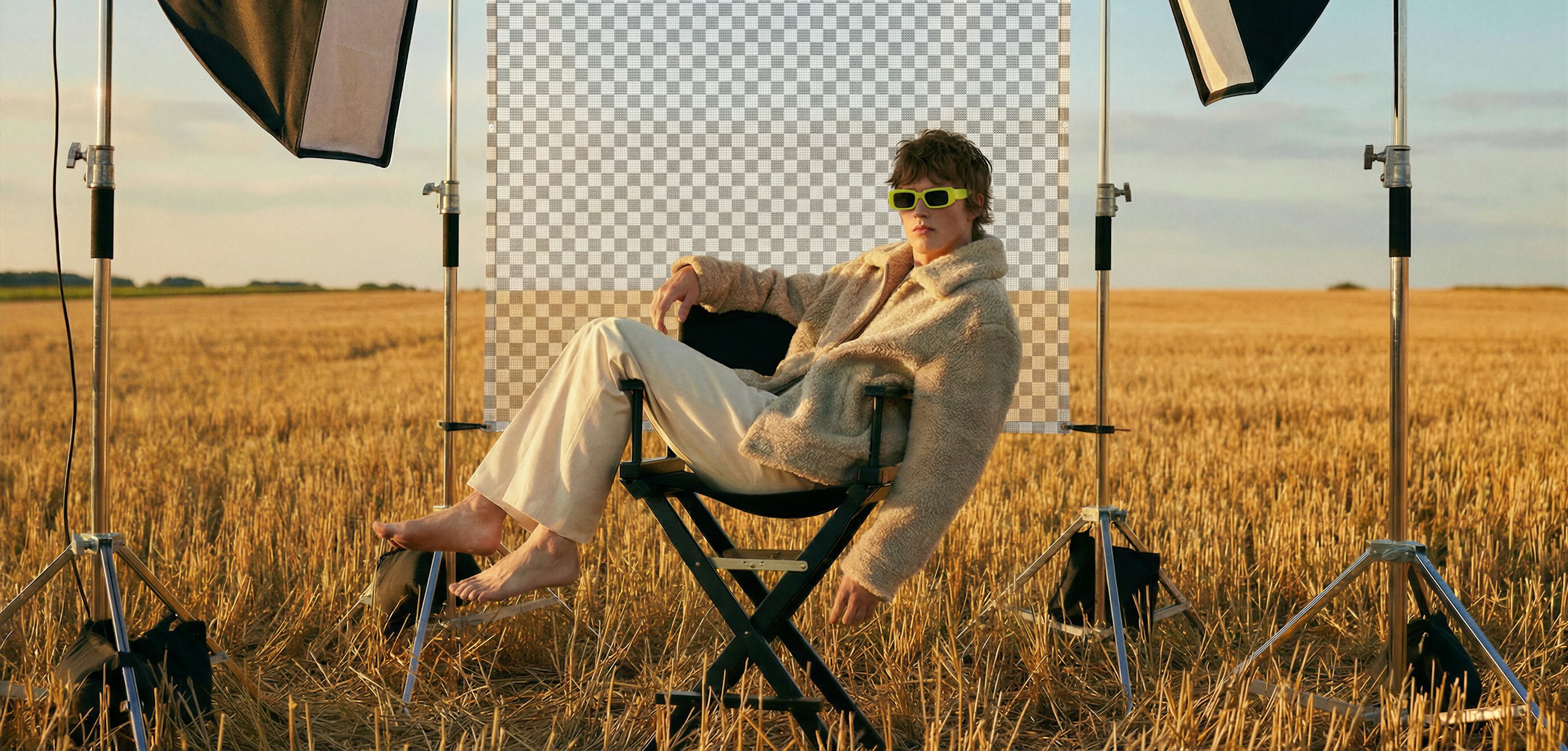
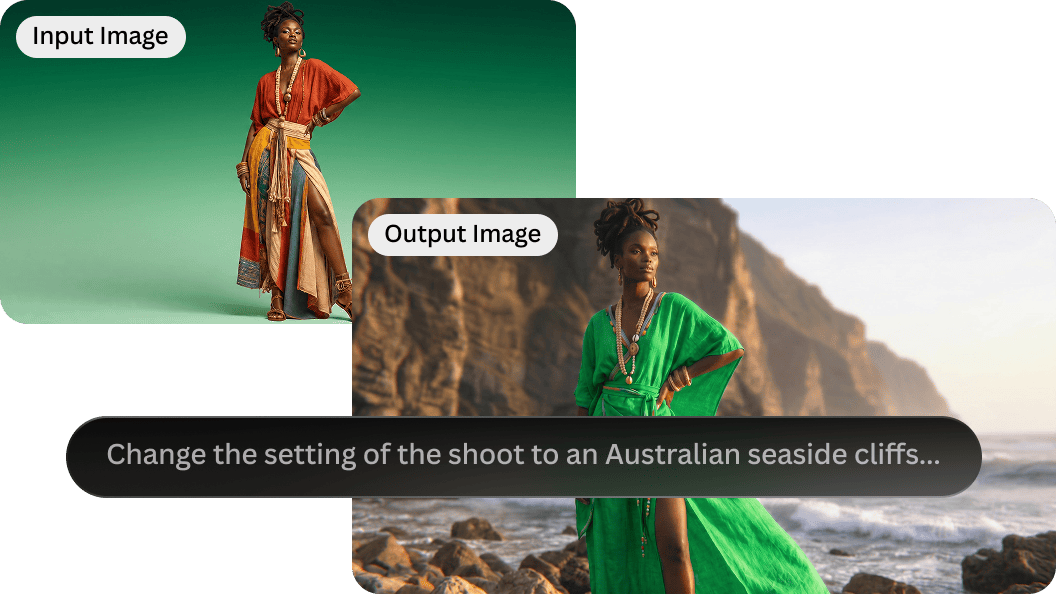
Drop cutouts into new backgrounds, creating realistic scenes with perspective-aware background matching, so your subject fits naturally into any setting.
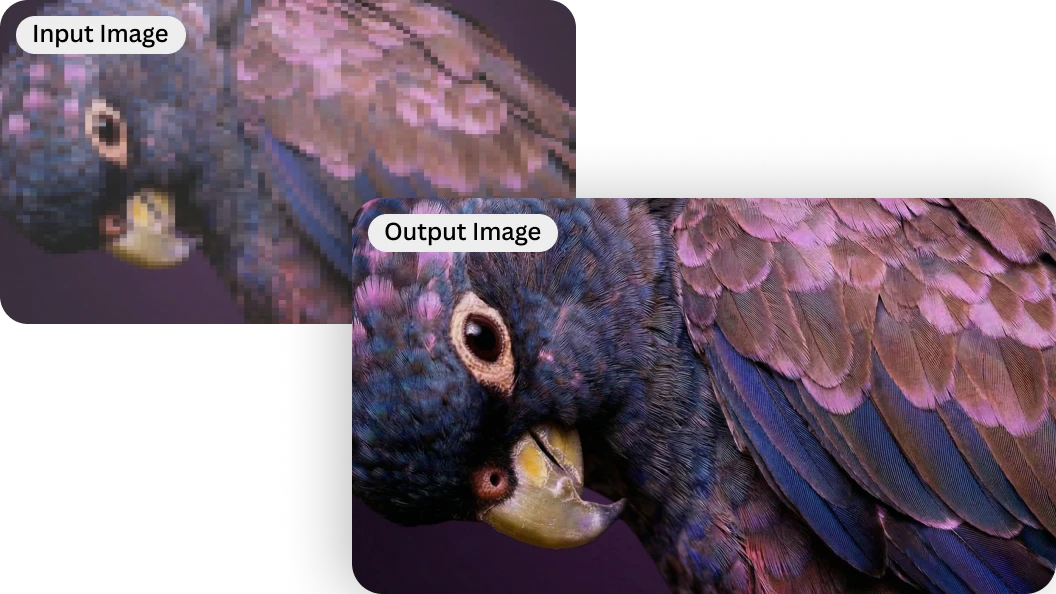
Upscale automatically
Sharpen and enlarge with Leonardo's Pro Upscaler
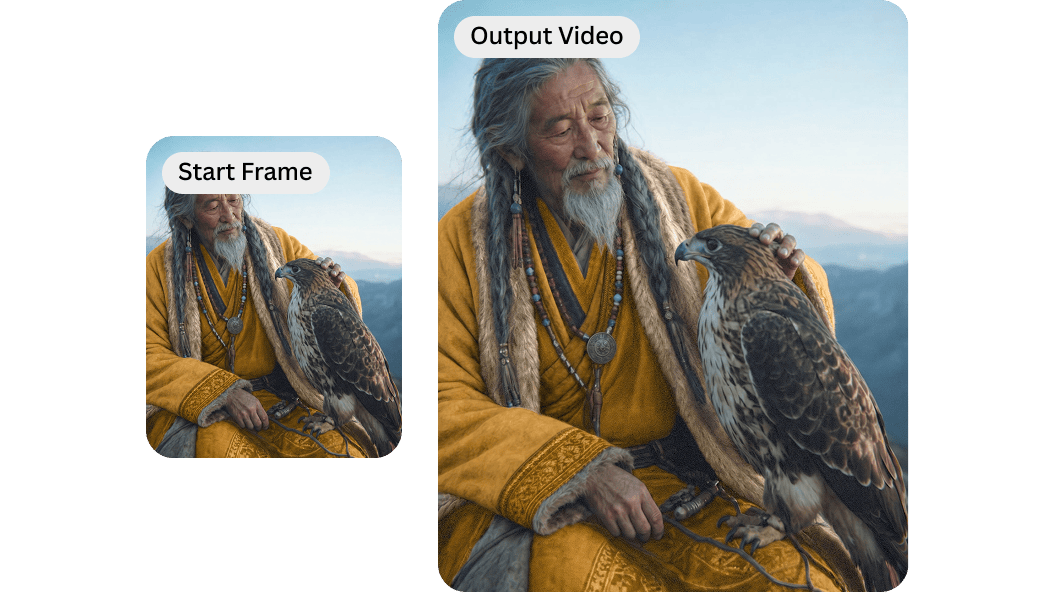
Turn stills into video
Animate a product image with start and end frame control.

Keep results, or don't
Results save to your Leonardo account by default, so you can find them again later. Set 'ephemeral = true' if you'd rather nothing is kept.
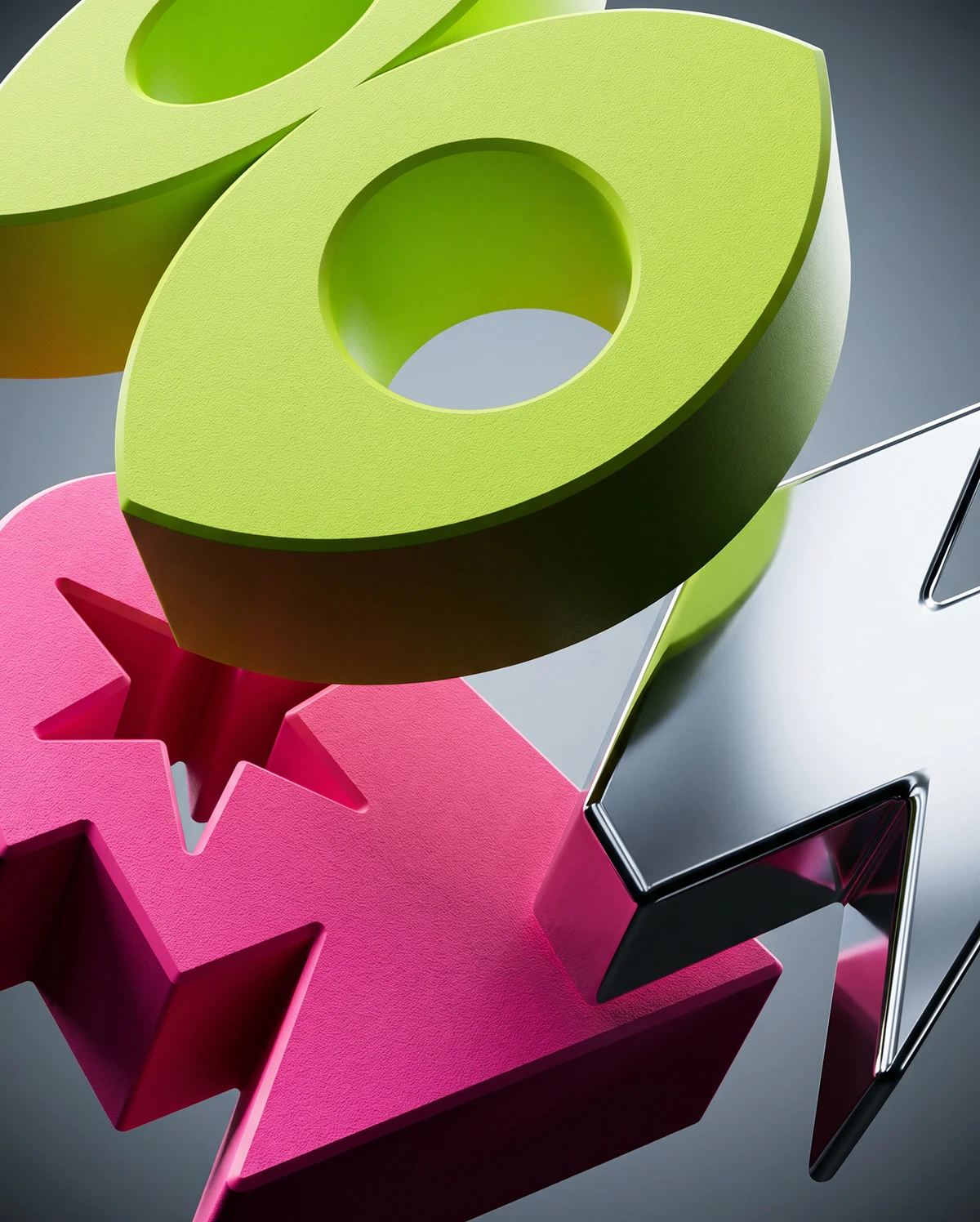
As your volume grows, so does what you need from an API. Work with our team to fine-tune models, build tailored integrations, and scale background removal with confidence.
Custom model support: Partner with us to fine-tune models for your use case.
End-to-end implementation help: Our experts help you design, implement, and optimize.
Tailored API integrations: Custom API workflows built around your product.
Dedicated Customer Success Manager: One point of contact for production deployments, higher usage limits, and model-based discounts.
Security and compliance: SOC 2 Type I and Type II accredited, GDPR compliant.
Ideal if you’re moving quickly from early experiments to production
Please be aware that all API requests will cost API Credit. For help, please see our API documentation here
Create account
Create a Leonardo.Ai account
Generate API key
Navigate to the API menu and generate an API key.
Try the API
Call the background removal endpoint with a file, an image URL, or an uploaded image ID.
Expand your use
Add upscaling, scene generation, or Blueprints whenever you're ready.
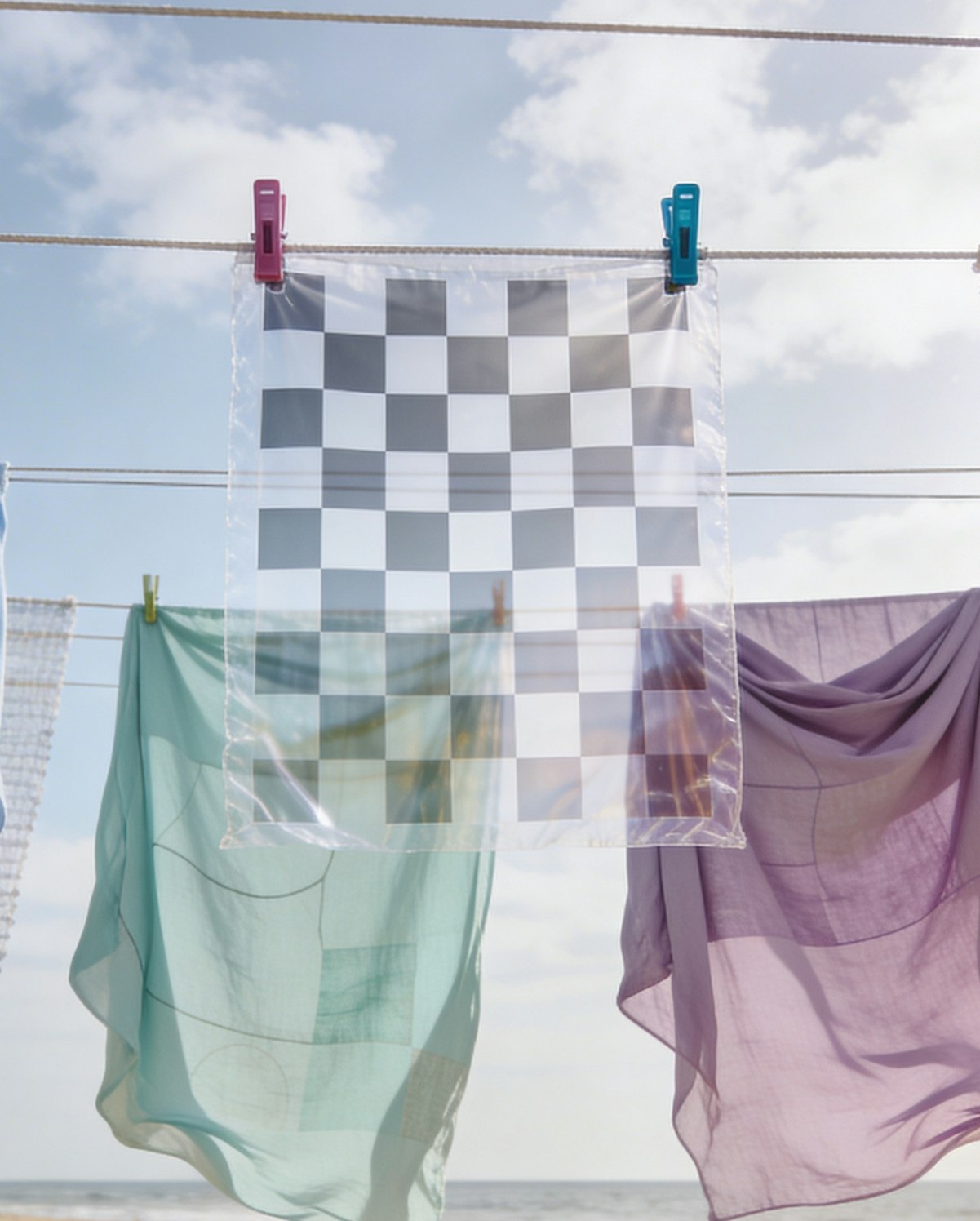
Remove unwanted elements while preserving natural detail.
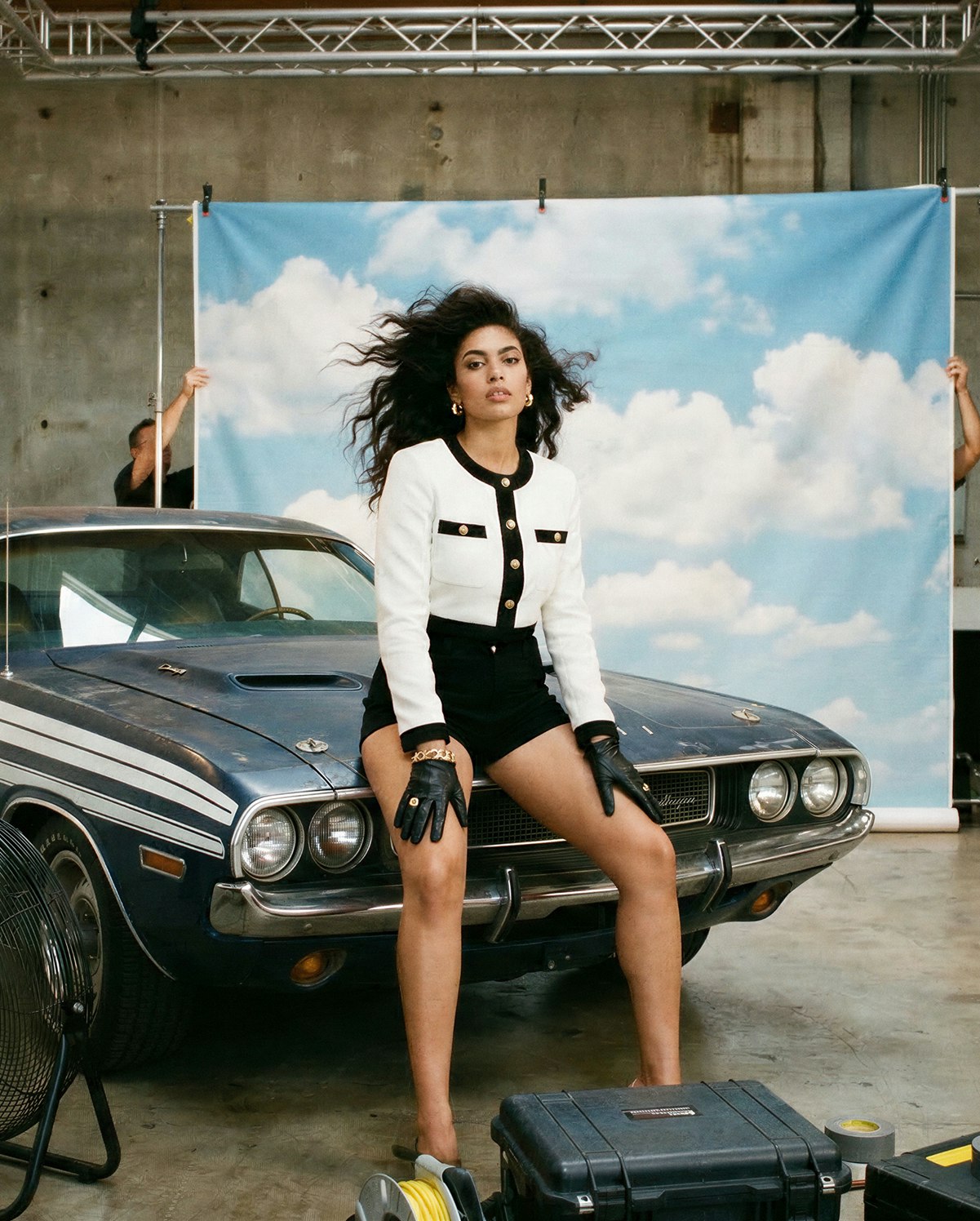
Replace or modify backgrounds within your generated images.
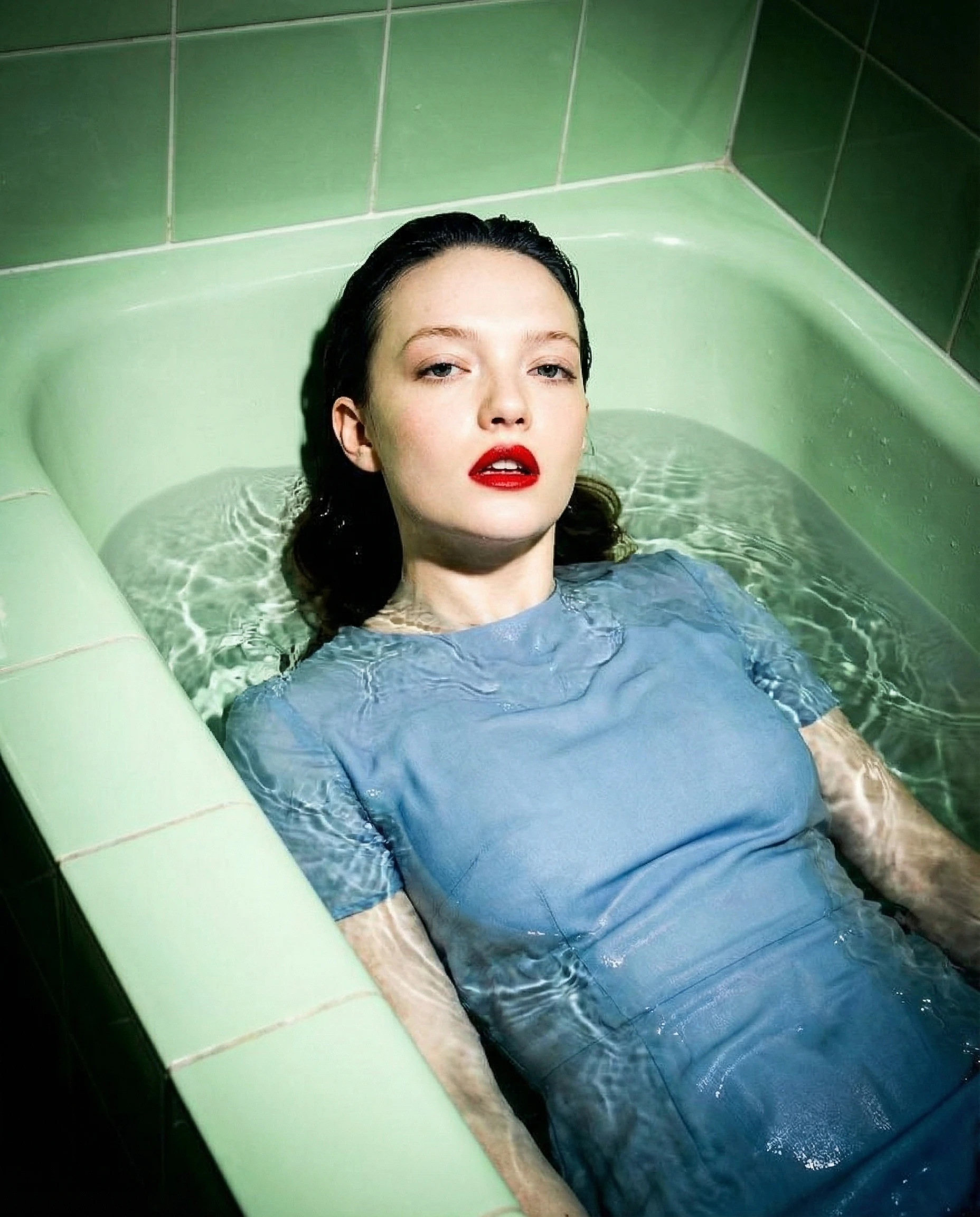
Adapt multiple images for different formats in seconds.
An AI background remover uses machine learning to automatically separate a subject from its background. Leonardo applies this to images generated within the platform.
Leonardo analyzes the generated image and detects subject boundaries, removing the background while preserving subject detail.
Accuracy depends on image complexity and subject contrast. Clear subjects with defined edges typically produce the best results.
For best results, use images with clear subject separation and minimal visual clutter.
By default, results save to your Leonardo library. If you'd rather nothing is kept, set ephemeral = true and results return as a short-lived link instead (deleted after 30 minutes).
Sync is simplest for one-off calls, a single request returns the result. Async suits batches, large images, or pipelines that shouldn't hold a connection open, with optional webhook callbacks.
Yes. This is the same background removal model that previously powered remove.bg, now available directly through Leonardo's API, alongside upscaling, scene generation, and more.
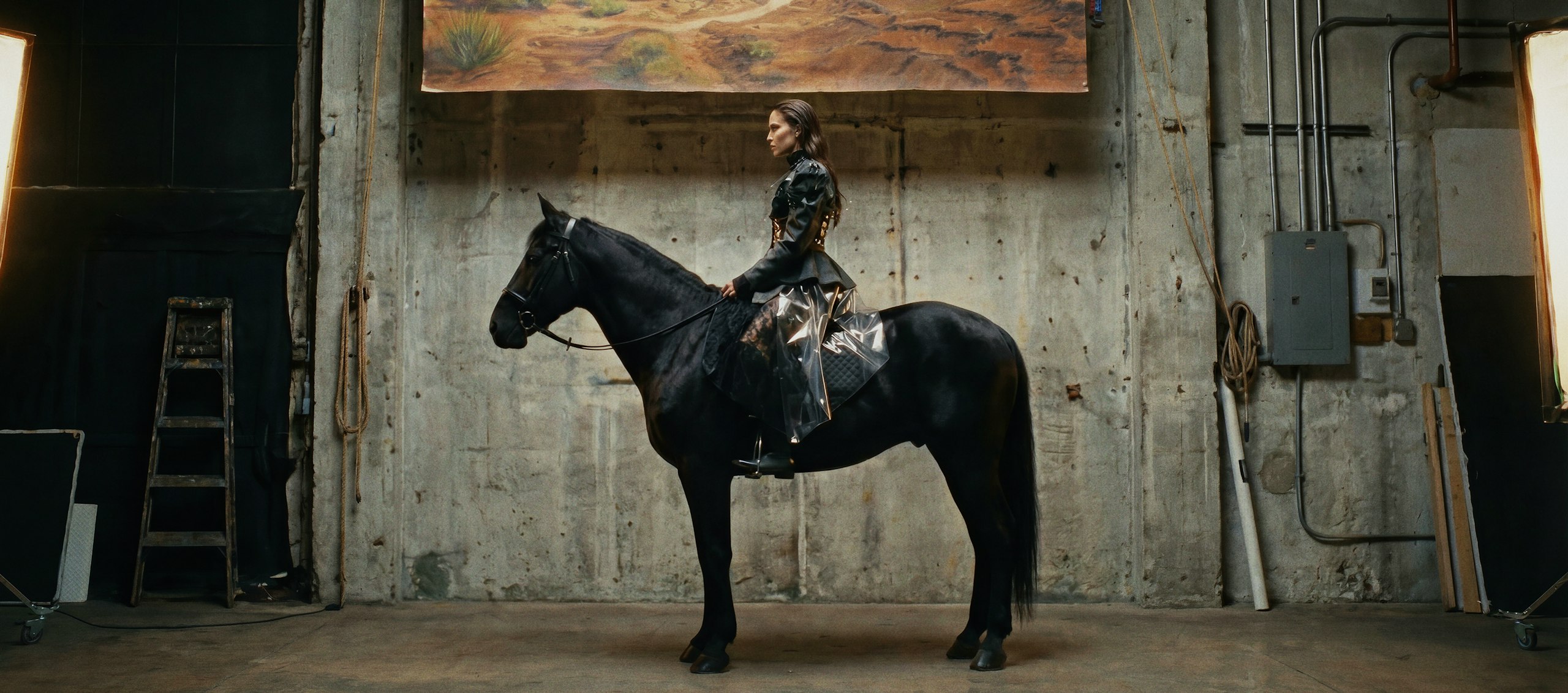
More than just an AI image generator
Leonardo is a complete creative suite. Go beyond image generation with tools designed to help you edit, animate, and scale your ideas.

Generate high-quality images from text or references. Explore styles, refine results, and maintain consistency across creative outputs.
Learn more
Create motion content from text or images. Animate stills, control pacing, and build short video sequences with clarity and intent.
Learn more
Uplift your portfolio with Leonardo’s flexible suite of creative AI tools, including image generation, photo editing, and upscaling.
Learn more
Design layouts, visuals, and branded assets with Leonardo’s AI graphic design tools. Shape color, typography, and visual style while using AI to move faster, from concept to polished design.
Learn more
Refine images with AI using prompts and targeted edits. Adjust details while preserving composition and style.
Learn more