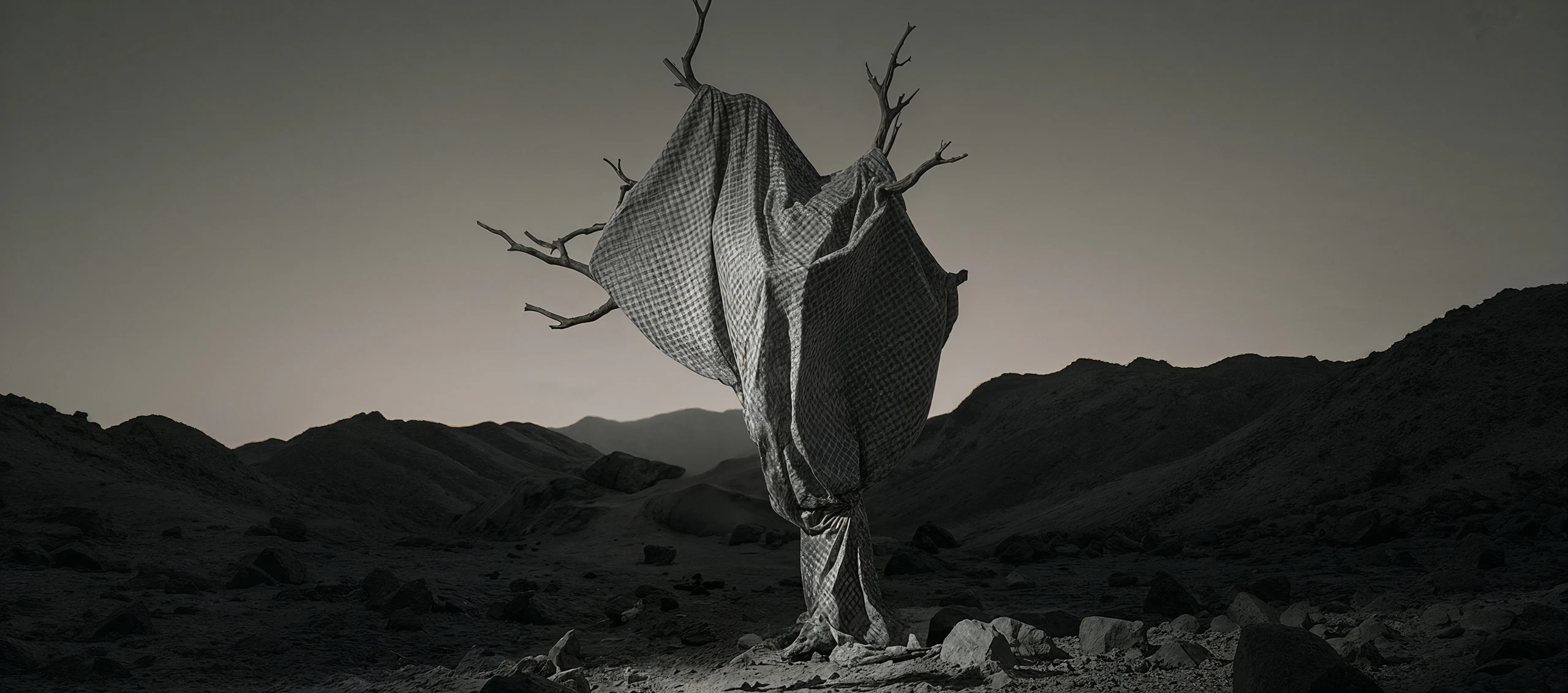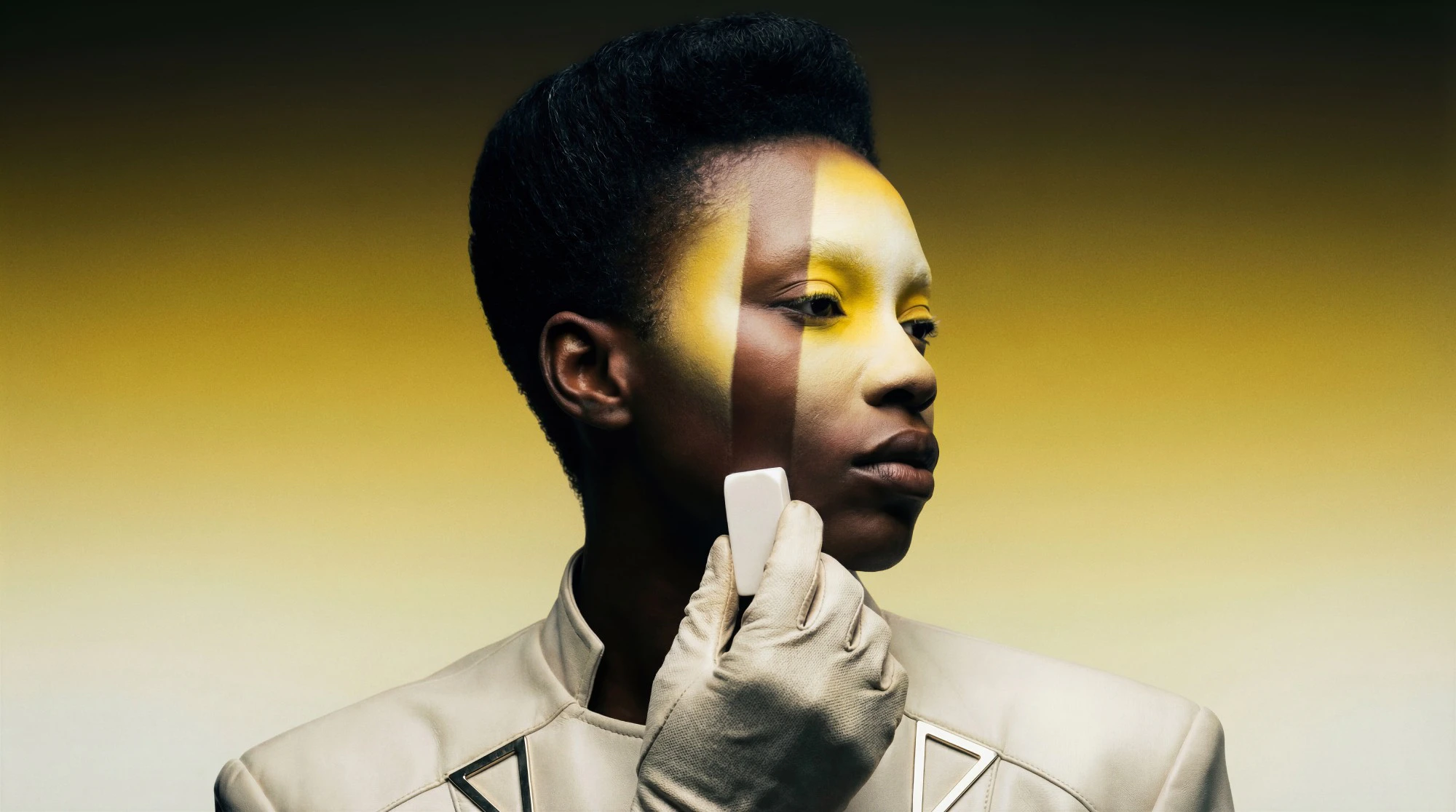

Edit with intent, not guesswork
Use prompts and image references to guide changes precisely, from subtle retouching to structural edits.
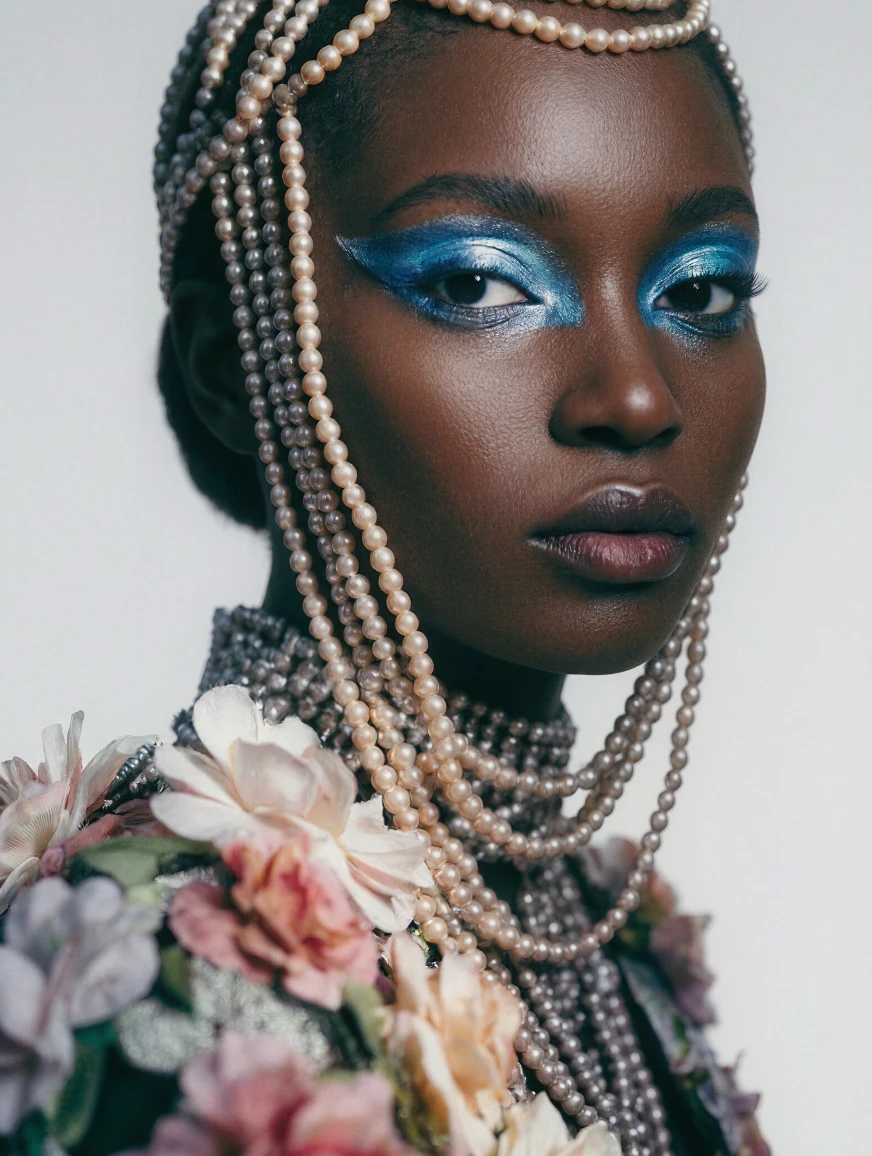
Refine without starting over
Iterate on existing images, make targeted adjustments, and explore variations while preserving what already works.

High-quality results at every step
From detailed edits to final upscaling, Leonardo delivers clean, professional-grade image quality.
Remove
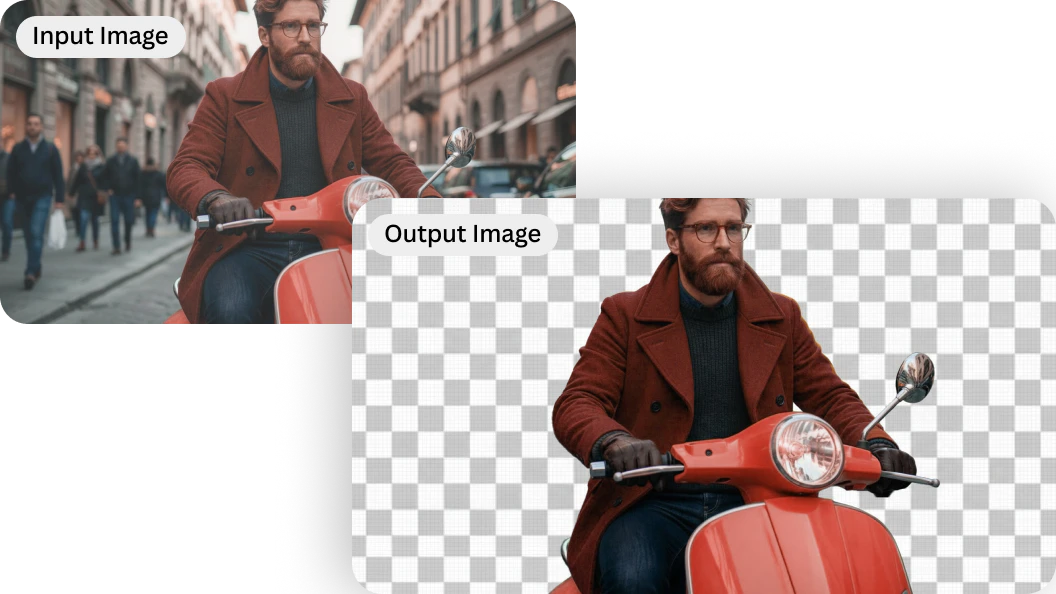
Background removal
Isolate subjects cleanly
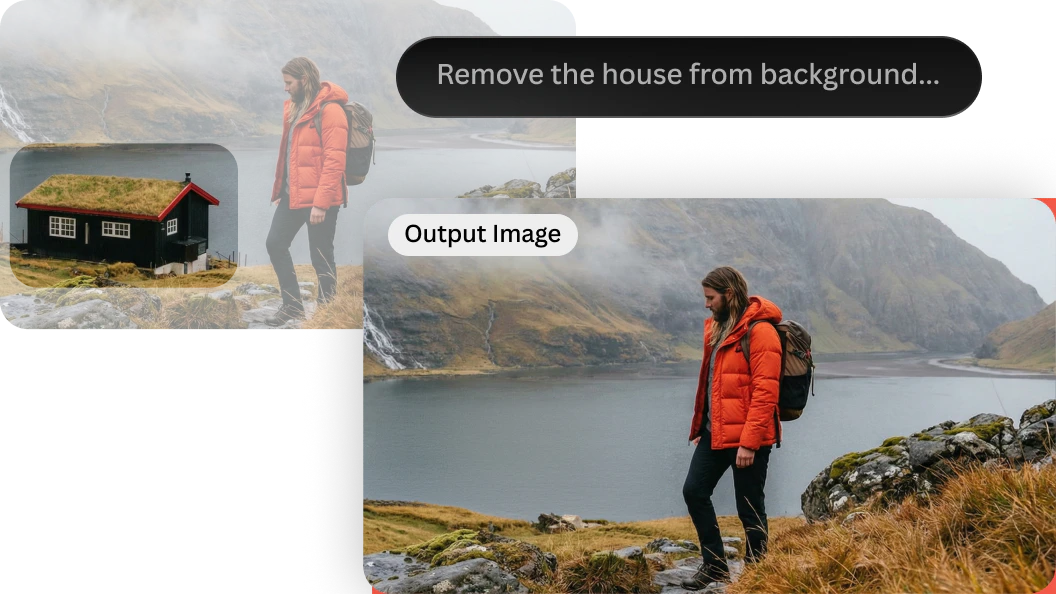
Object removal
Remove unwanted elements naturally
Refine
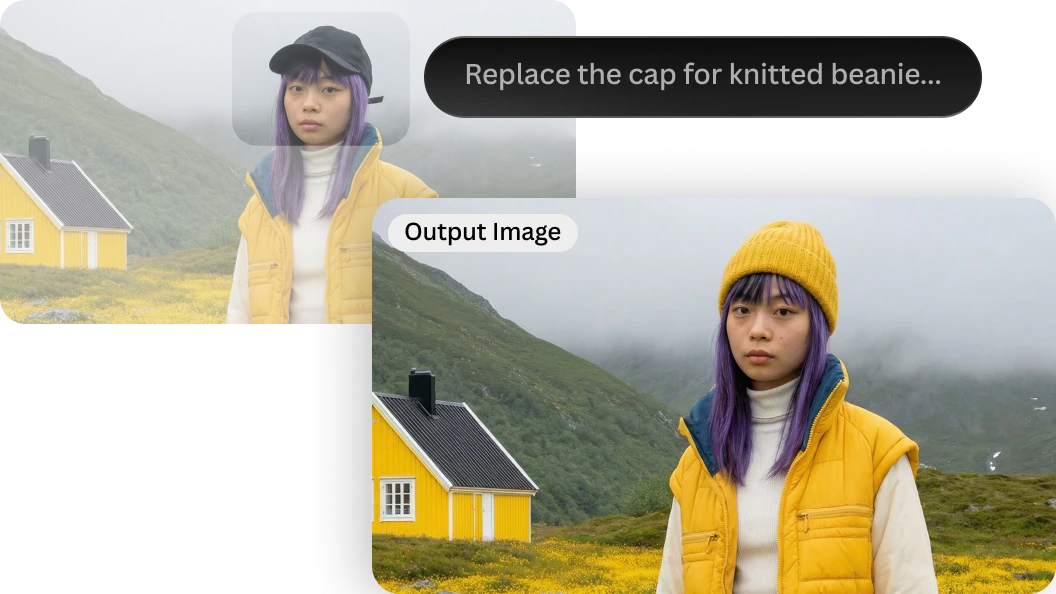
Omni Editing
Edit details directly inside your image with text prompts.
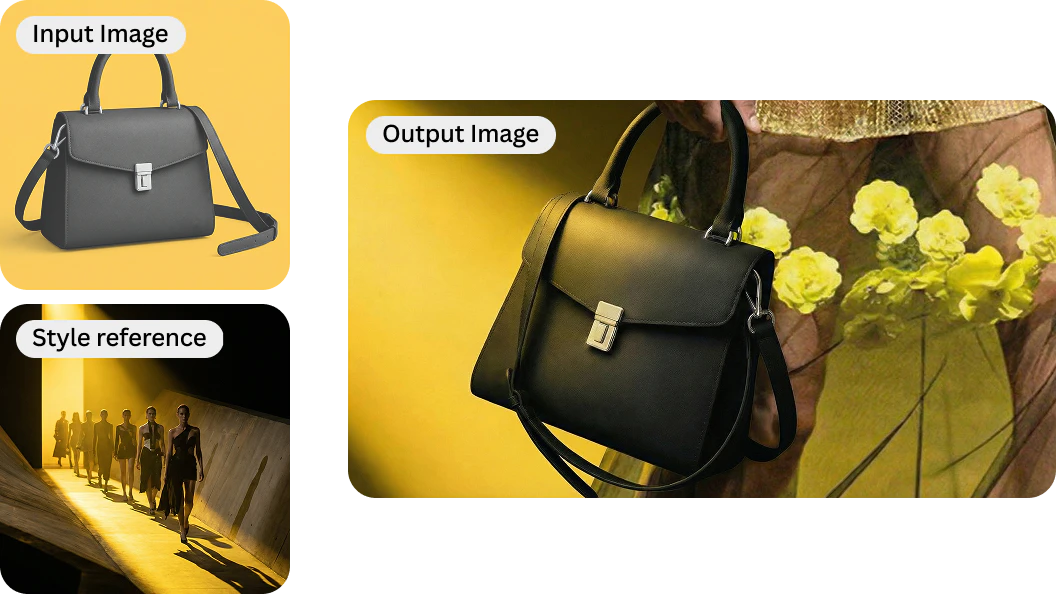
Image Guidance
Steer outputs with stronger creative control.
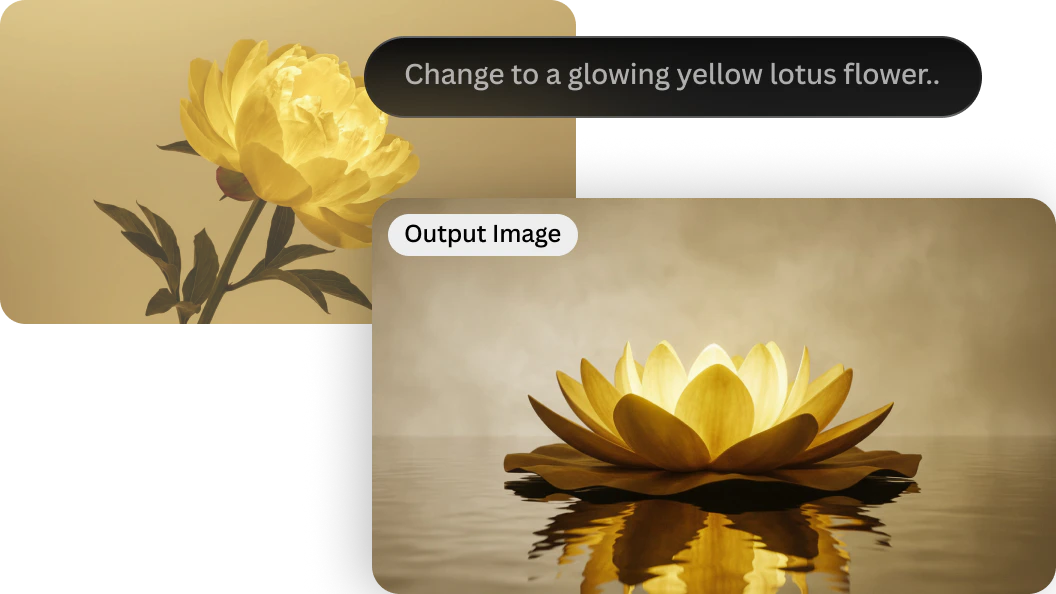
Prompt-based editing
Edit images with AI using simple text prompts
Scale
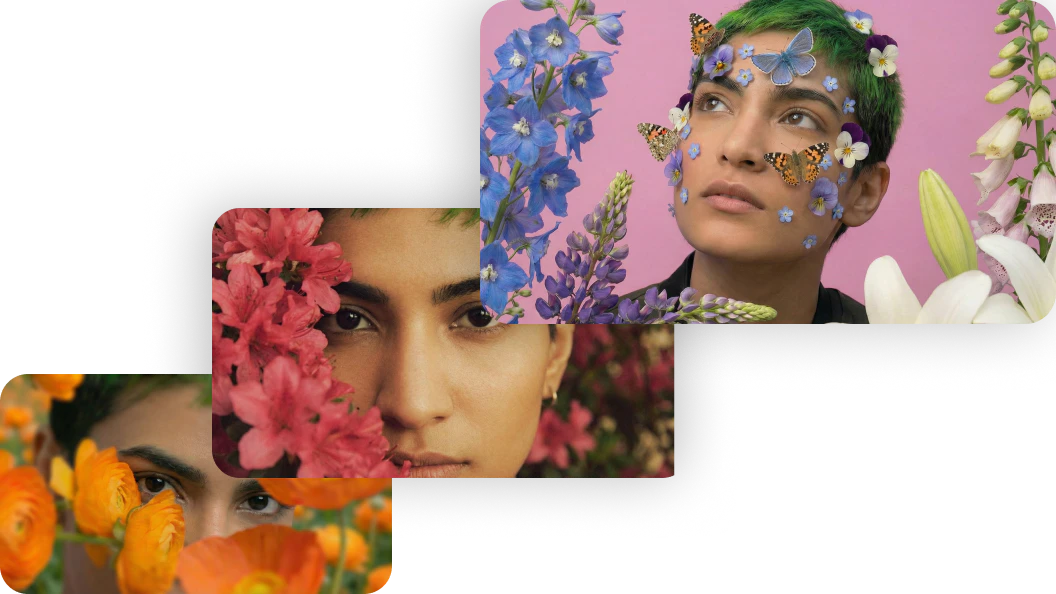
Upscale image
Enhance resolution while preserving detail
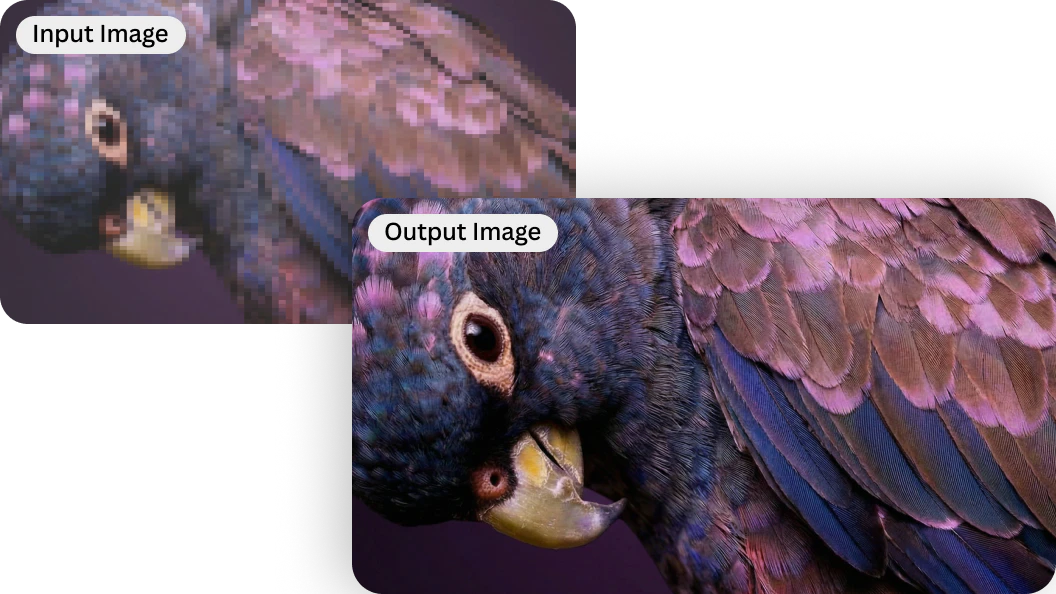
Resize images
Adapt images for different formats and platforms
Blueprints for faster image editing
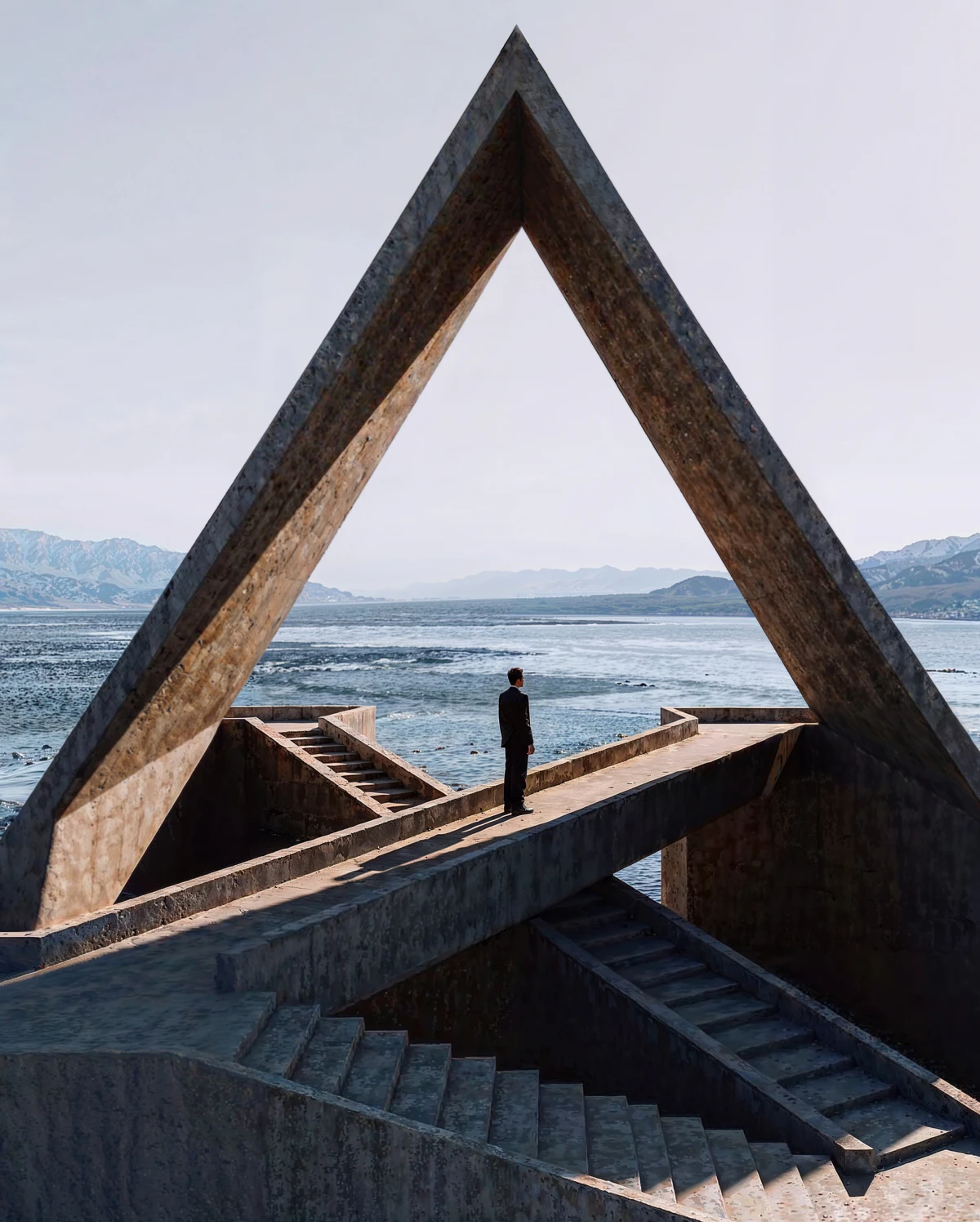
Object Remover
Remove unwanted objects while preserving natural detail.
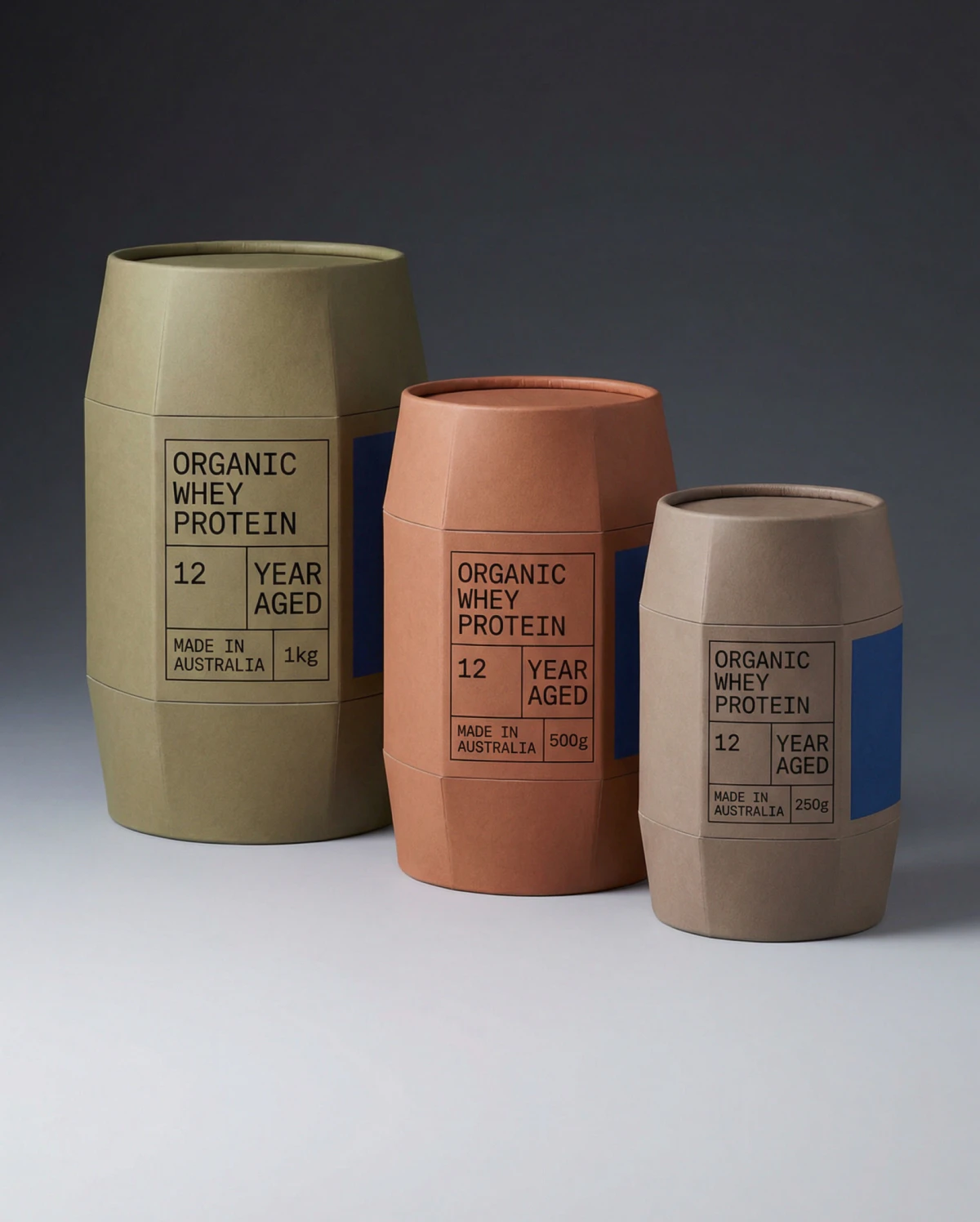
Bulk Resize
Resize multiple images efficiently for different formats.
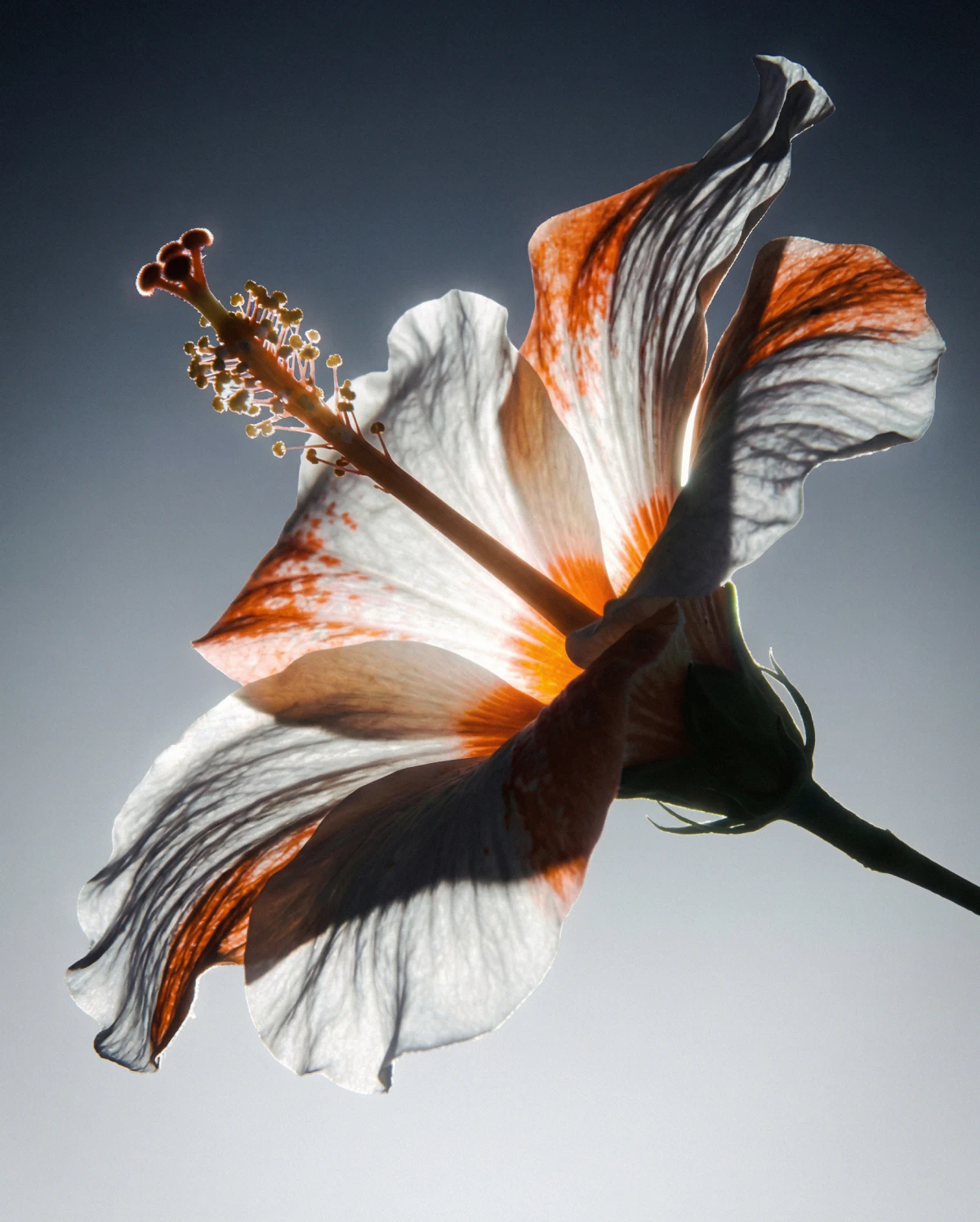
Custom Relight
Adjust lighting and mood without re-shooting or re-creating.
FAQS
What is an AI image editor?
An AI image editor uses machine learning to help you edit, refine, and enhance images using prompts and visual guidance rather than manual tools alone. Instead of adjusting pixels by hand, you describe the change you want and the AI applies it intelligently while preserving image quality
What type of edits can I make with an AI image editor?
You can remove or replace objects, adjust or remove backgrounds, refine details, resize images, enhance resolution, and improve overall image quality. Leonardo’s AI image editor supports both subtle refinements and more structural edits, depending on your prompt.
Do I need design skills to use an AI image editor?
No. Leonardo is designed to be accessible to beginners while still offering depth and control for experienced creators. You can make effective edits using natural language prompts, without needing prior experience in photo editing or design software.
How do I use an AI image editor?
Start by uploading an image or selecting one you’ve already generated. Describe the edit you want using a prompt, review the result, refine if needed, and export your final image when you’re ready.
How do I edit a photo with an AI prompt?
Use natural language to explain what you want to change, such as removing an object, adjusting lighting, or refining a subject. Leonardo interprets your prompt and applies the edit while maintaining consistency with the original image.
What is the best AI image editor?
The best AI image editor balances quality, control, and workflow. Leonardo is trusted by creators because it allows you to refine images with precision, iterate without starting over, and maintain creative intent across edits.
Which AI models power Leonardo’s AI photo editor?
Leonardo always offers the latest best-in-class omni models — editors that generate and edit in a single step, following prompt instructions and image references instead of manual masks and layers. The current lineup includes GPT-Image-2, Nano Banana 2, Nano Banana 2 Lite, and Nano Banana Pro, and new state-of-the-art editors are added as they’re released. You can switch models at any time to match the edit you’re making.
Can I use Leonardo’s AI image editor for free?
Yes. You can try Leonardo’s AI image editor for free, with paid plans available for higher usage limits, faster generation, and advanced features.



Explore
more AI creative tools
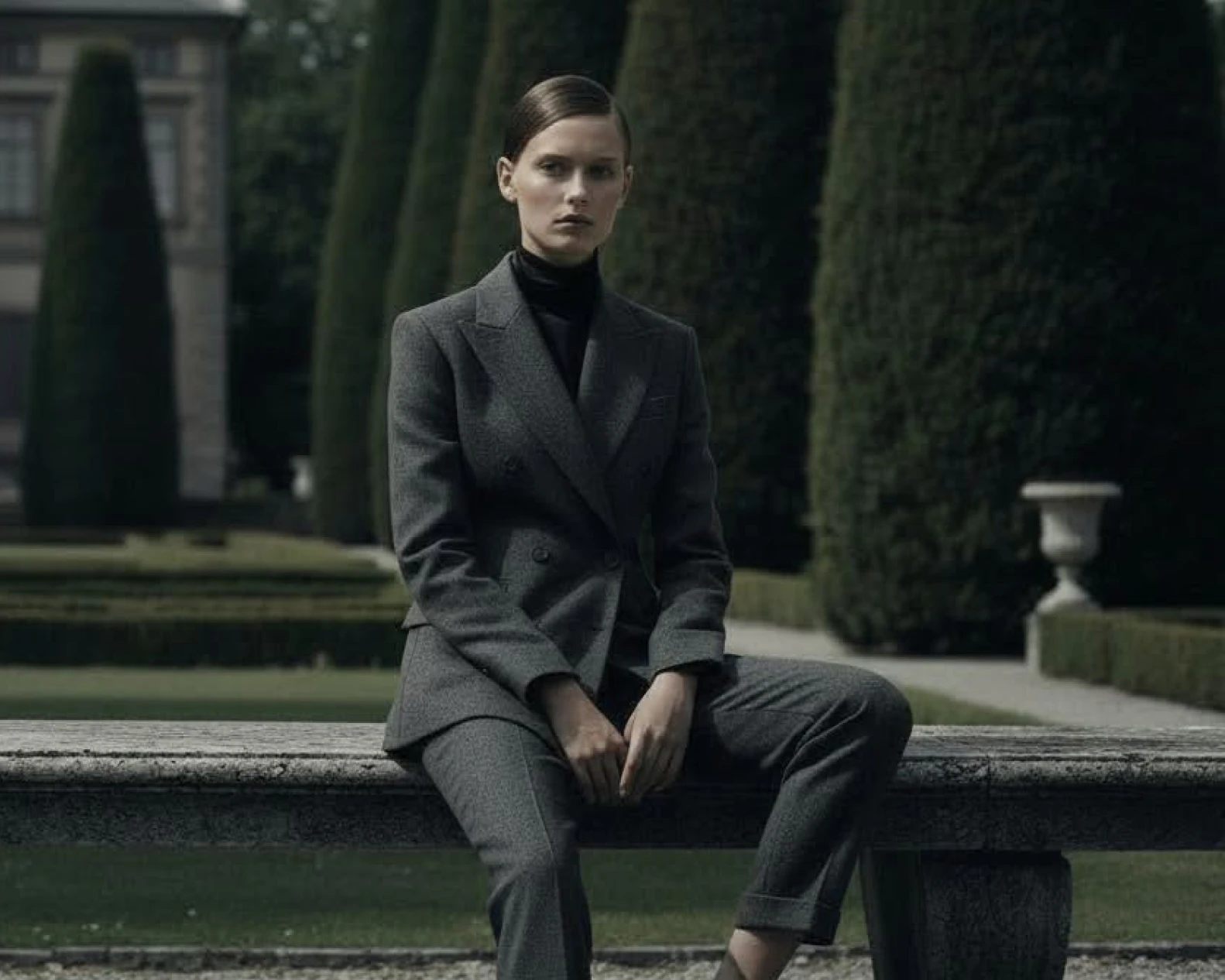
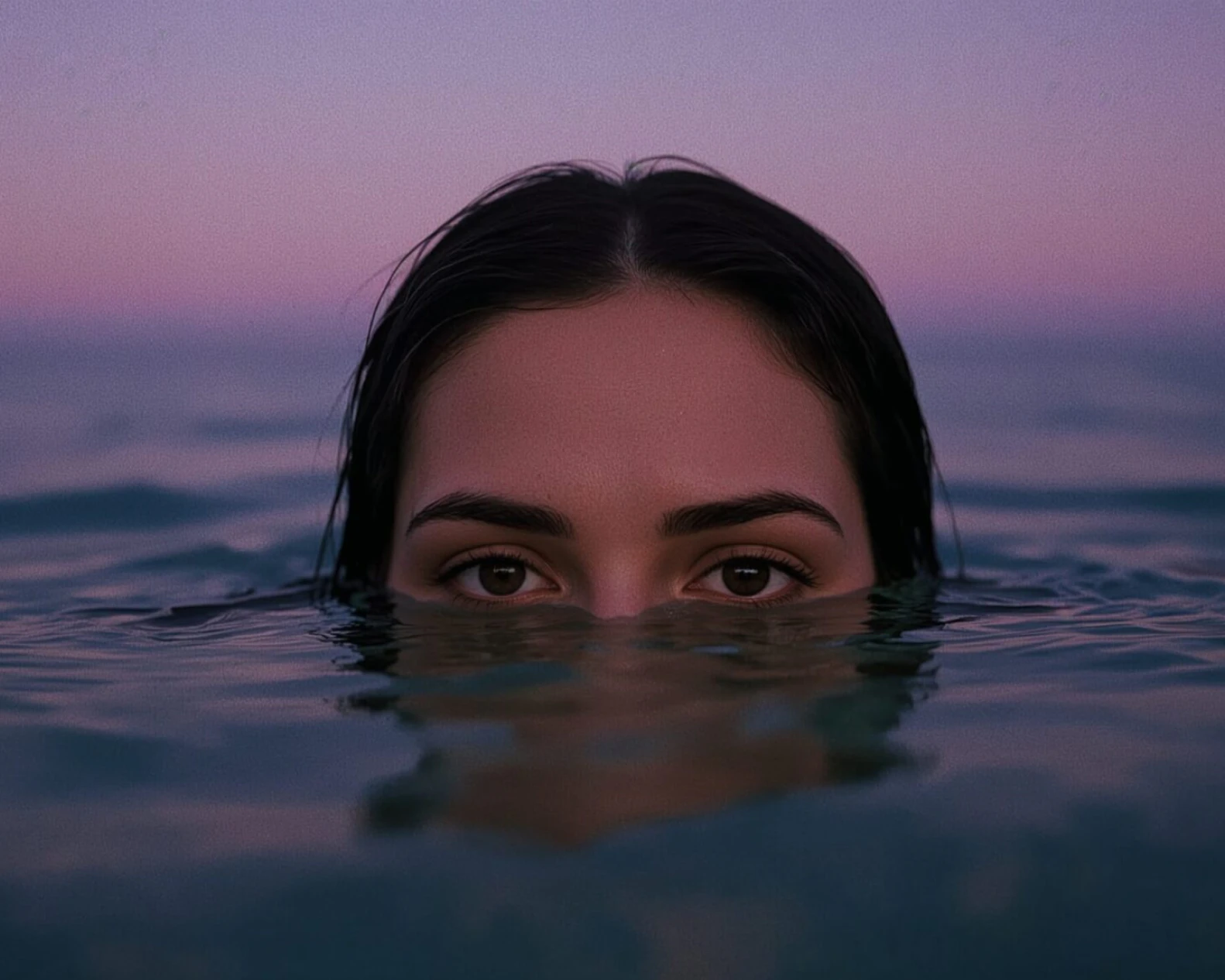
Leonardo is more than an AI image editor. Create across image generation, video, design, and motion with tools built for modern creative workflows.
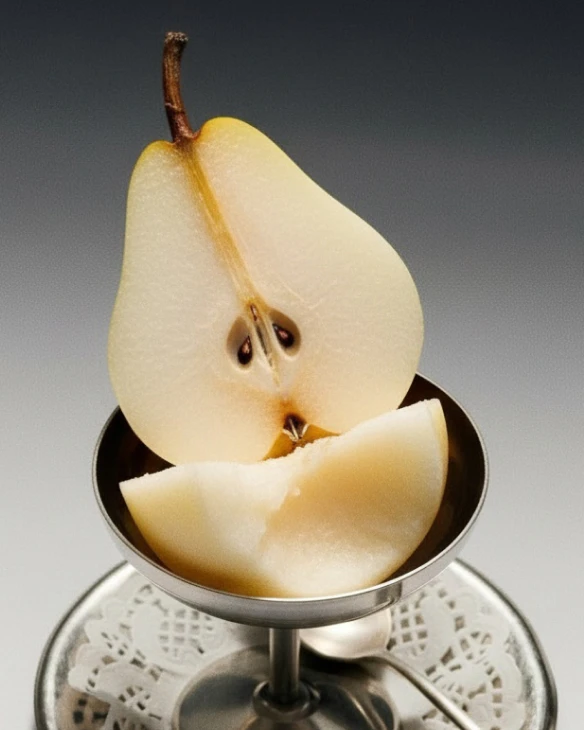
AI Image Generator
Stay in your creative flow with faster, smoother generation – less waiting, more making.
Learn more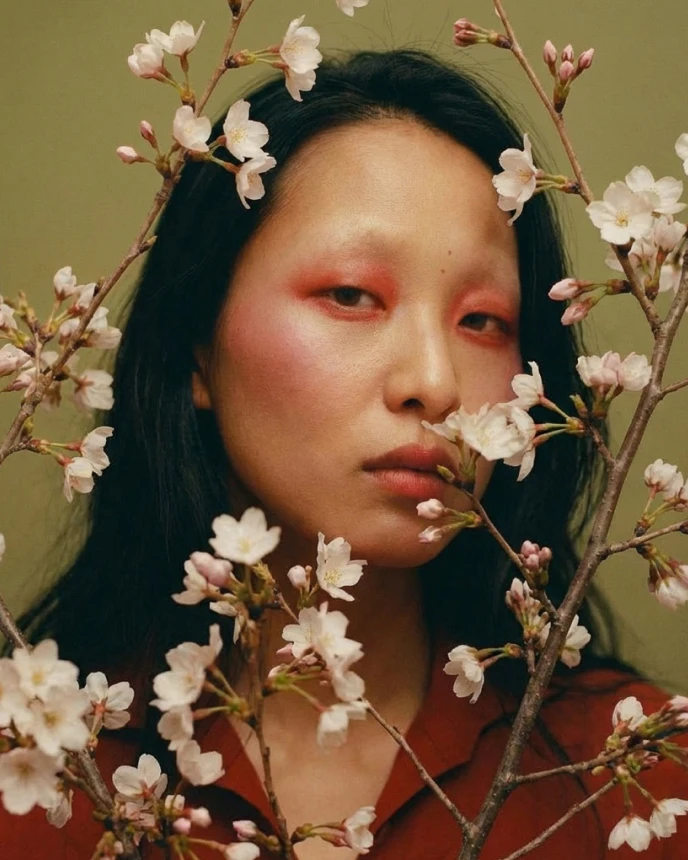
Upscaling Tools
Enhance resolution and clarity without losing detail. Prepare images for print, large formats, and high-quality delivery.
Learn more
AI Video Generator
Create motion content from text or images. Animate stills, control pacing, and build short video sequences with clarity and intent.
Learn more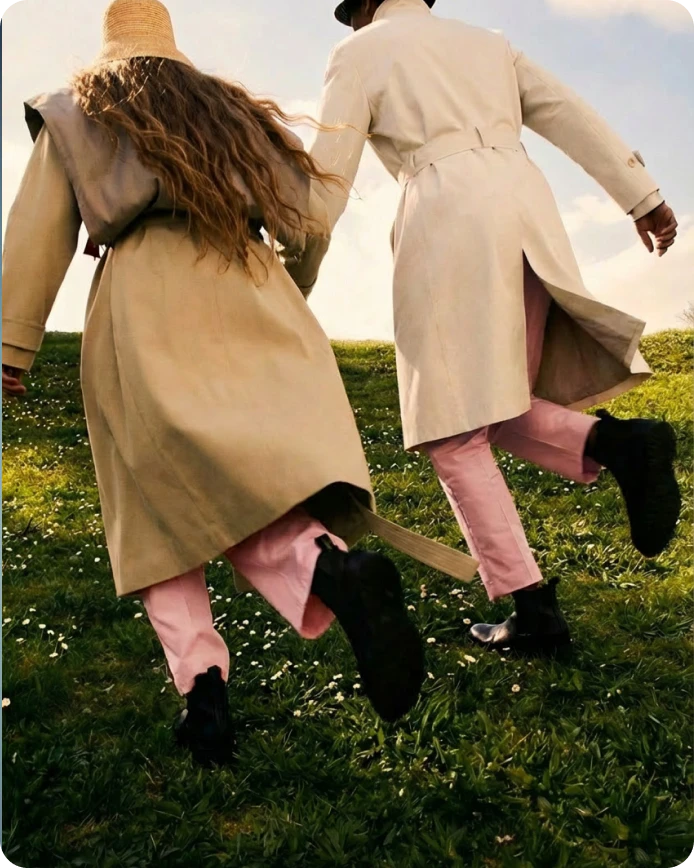
AI Social Media Post Generator
Create scroll-stopping visuals for social platforms. Generate, adapt, and refine content quickly for ongoing social output.
Learn more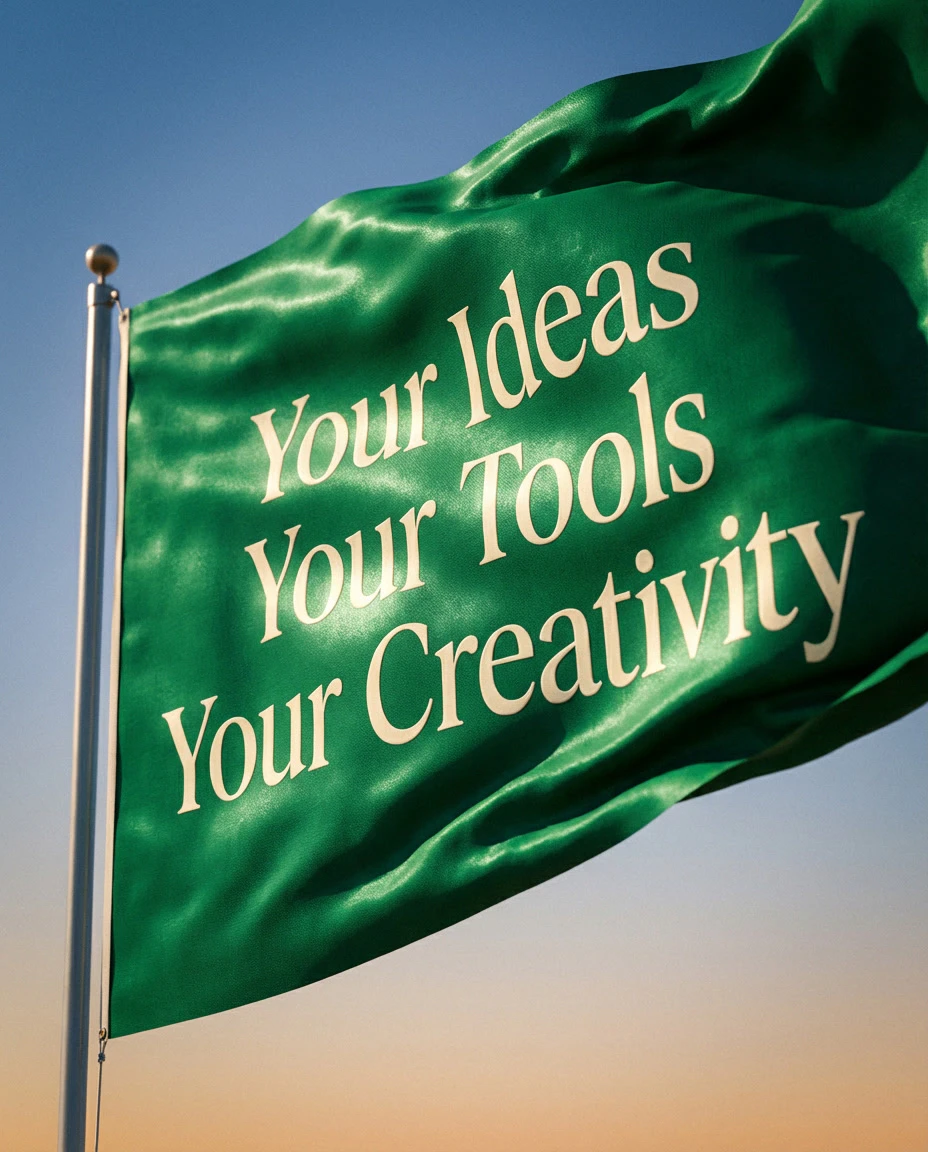
AI Banner Generator
Design banners for web, social, and display formats. Generate multiple variations fast while keeping layout and style consistent.
Learn more